


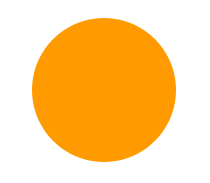
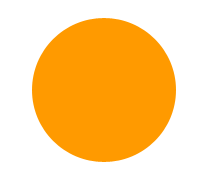
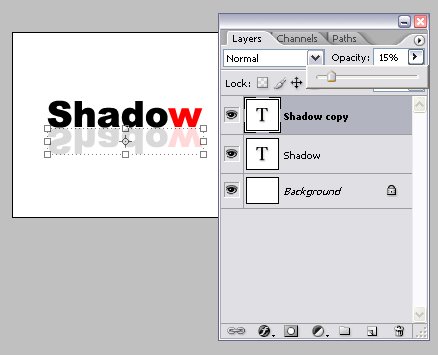
1.Create a layer like this.
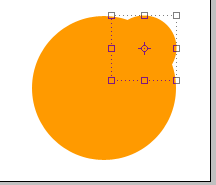
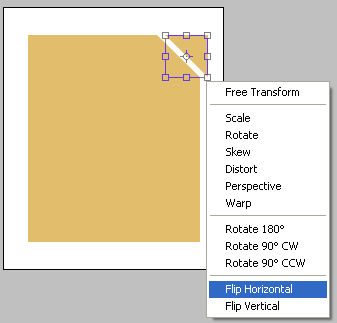
2.Then create a small circle and place it like this as shown in the below image.

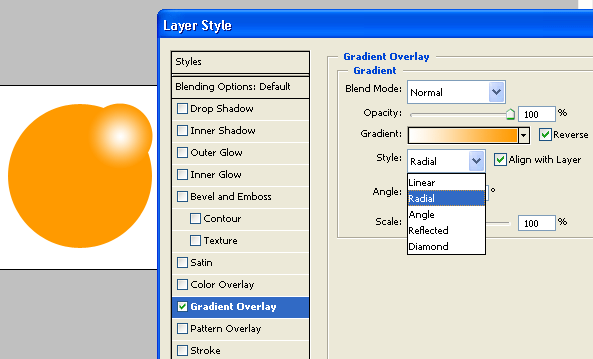
3.Apply gradient to that small circle.
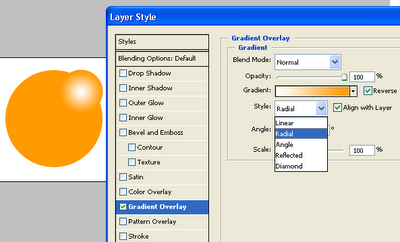
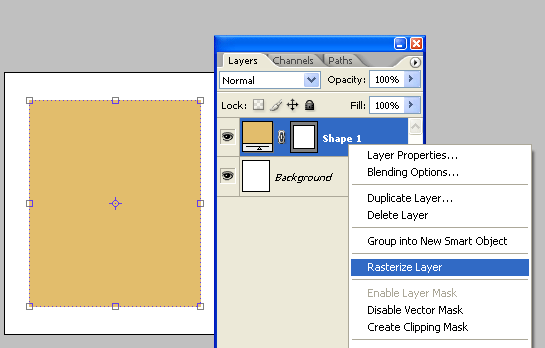
4.Rasterize that small circle and remove a part of small circle which is outside of the large circle.
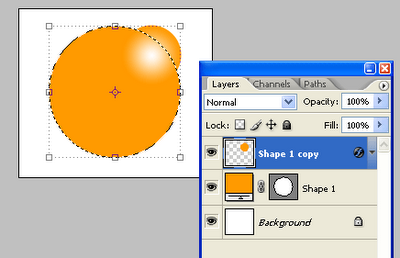
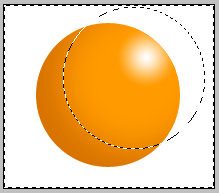
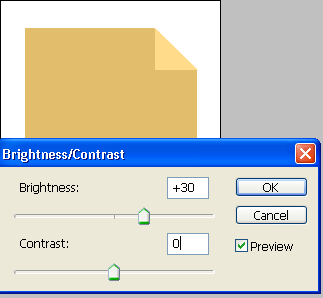
5.Raterize large circle and decrease the brightness as shown below.
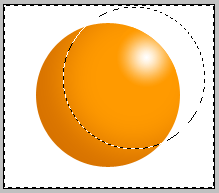
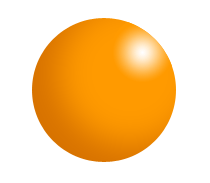
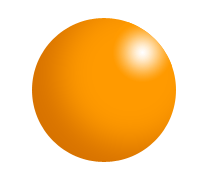
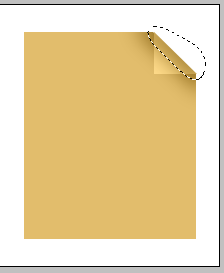
6.The final output is shown in the below diagram.
2.Then create a small circle and place it like this as shown in the below image.
3.Apply gradient to that small circle.
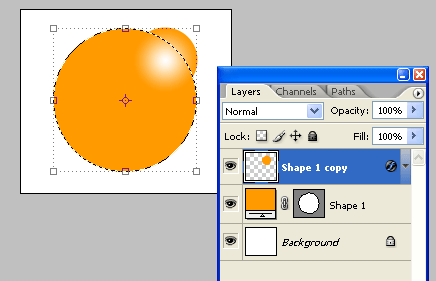
5.Raterize large circle and decrease the brightness as shown below.
6.The final output is shown in the below diagram.
posted by jack @ 2:38 AM permanent link | |














Post a Comment