1.Create a new layer and use the brush tool.
Create a new file in Photoshop.Choose foreground colour “#7e4af4” and “#ef66f1”
and with the help of brush tool,draw the following diagram.


Choose the following values for brush tool:
Master Pixels:60,Mode:Normal,Opacity:100%,Flow:100%


2.Applying the twirl effect.
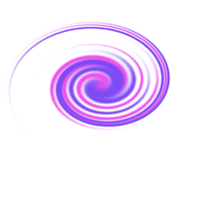
Choose Filter – > Distort -> Twirl .Choose angle as 999.We obtain the following twirl effect.
Leave a Reply