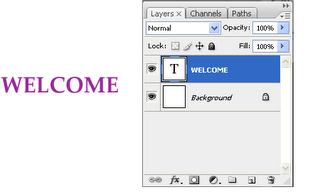
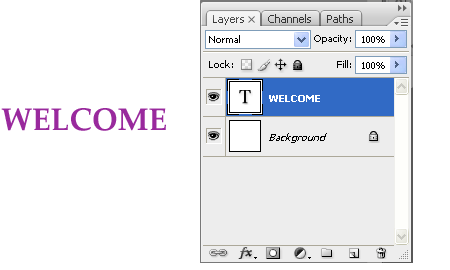
1. Create a new text layer.
Create a new file in Photoshop with image size as 200 x 200.Choose foreground
colour as ‘993399’. Select the horizontal type tool ,choose font values palatino type,
bold,40 pt and sharp.A new layer ‘Welcome’ will be created.
2. Select the layer style .
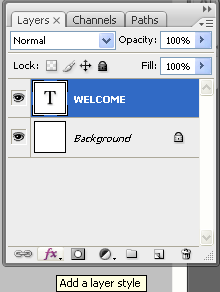
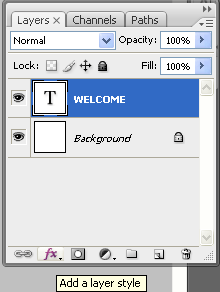
Select the layer ‘Welcome’.Click on ‘Layer Style’. Choose the option ‘Drop Shadow’.
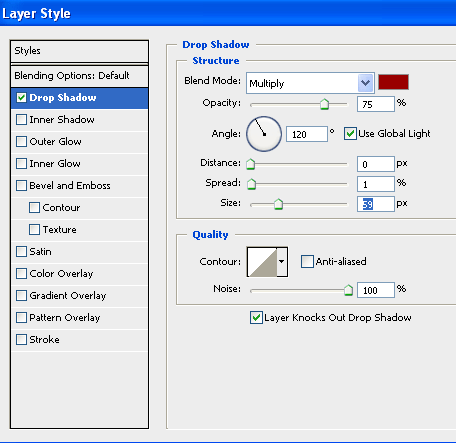
3. Apply values for ‘Drop Shadow’ Layer Style
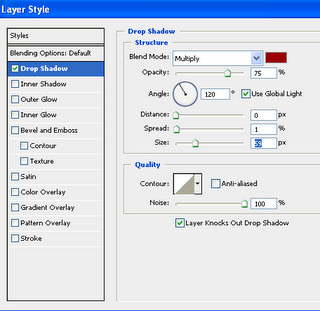
Change the following values : Color value : 990000,Opacity=75%, Spread=1%,
Size=59px, Noise=100%
The background changes as follows.



4. The final output.
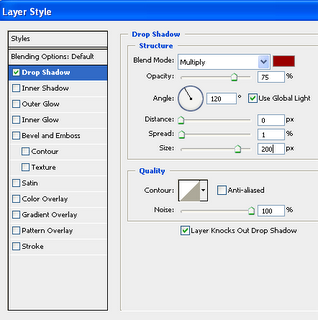
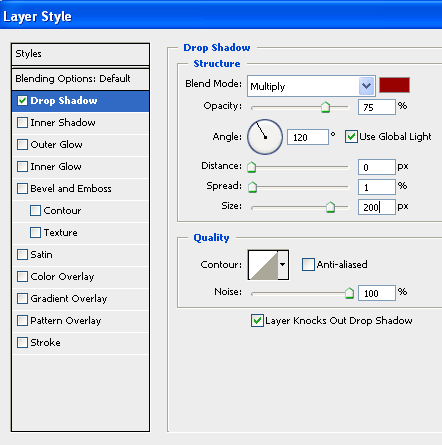
Change the value for size as 200 px.


Leave a Reply