1.Create a new file in photoshop and choose the “Brush Tool”.From the upper right corner, choose the “Brush Palette”.The following screen appears.
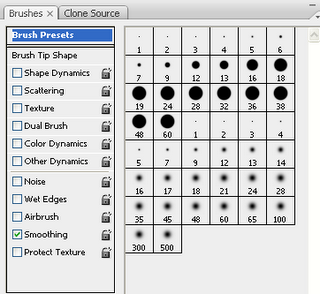
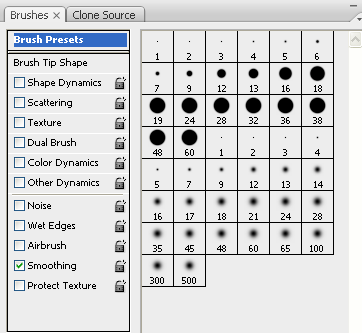
2. Enable the “dual brush” option.
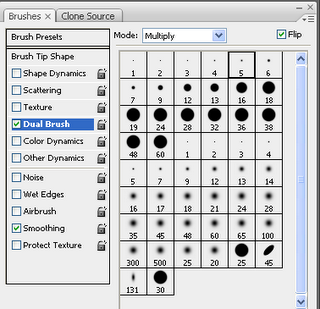
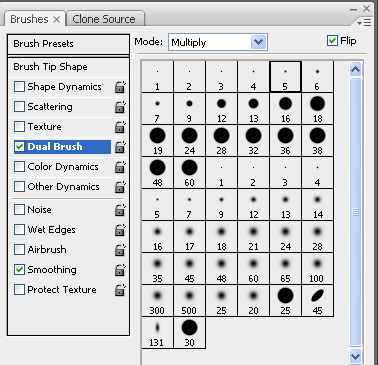
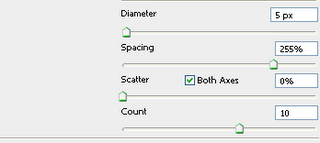
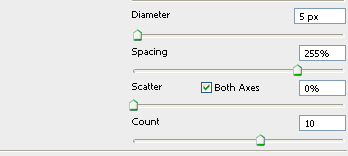
3. Select the following values for the dual brush.
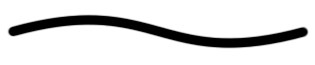
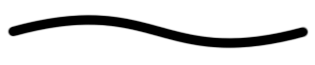
4.This is the curved dotted line.

Leave a Reply