We can find a year is leap year or not in various ways.we can use the following fuctions in php.
- By using date() function
- By Modulus operator
Here is a sample php code that uses modulus(%)operator for finding the leap year.
Write the below code within php tags
Start of php tag
$start = 1000;
$end = 1011;
for($i = $start; $i < $end; $i++)
{
if(($i%4) == 0){$val = "Leap Year";}else{$val = "Not Leap Year";}
echo $i, ' ---> '.$val.'
';
}
End of php tag.
It will produce the output as given below.
1000 ---> Leap Year
1001 ---> Not Leap Year
1002 ---> Not Leap Year
1003 ---> Not Leap Year
1004 ---> Leap Year
1005 ---> Not Leap Year
1006 ---> Not Leap Year
1007 ---> Not Leap Year
1008 ---> Leap Year
1009 ---> Not Leap Year
1010 ---> Not Leap Year
You find leap years for any year ranges by changing the $start and $end.
Labels: Finding leap year or not in php, Php code to find leap year or not
Whether a developer could be mutually work a desktop developer and a Web developer?
"Desktop Developers do not have designers! Inquire anybody that who designed the application and we will scrape our heads and mumble...."
It is very fascinating to imagine about the distinction between desktop and web applications and the level of design each acquires. There is some fact that Desktop applications do not need designers to the level that Web applications do. Actually, the majority of desktop applications have released without the involvement of designers.
While you sense about it, nearly all consistent desktop applications make use of standard windows colors, margins, and controls. That is the beauty with an operating system like Windows. Each and every O.S has its place. But Windows facilitate us with its style. There have built-in Ok and Cancel buttons, and they are normally positioned on the bottom of the page. If you go after the standards for design that have been developed by Microsoft and other operating systems for constructing Windows applications, you hastily understood that there is not that much scope for design. Relatively, you land at creating quite colorless, tedious applications.
Obviously, the monotonous design comes at the benefit of usability. While the application might look dull in general, it will be alike and thus well-known to people. Such resemblance formulates an application much easier to use.
Web applications are not restricted to the equivalent standards as desktop applications. While they are commonly restrained to browsers, the set of laws pertain to desktop applications are not being useful to the web. Actually, with the development of RIAs that use technologies such as AJAX, Flash, and Silver light, there is a bit of a deviation from the standards set for Windows applications.
Without having a designer, Developers have gotten away with building desktop applications. With Web applications, abruptly having a designer is much more essential. By just following the desktop design standards, would not give you a very good looking Web application. In fact, many times it is likely to be seen as gory.
While you can escape with creating desktop applications with the absence of a designer, you cannot do the same, when it comes to Web applications. That's why, most of the developers who got away with "designing" desktop applications, really require to think twice before believing they are Web application designers.
Labels: Desktop applications, Real Developers, Web applications, Website designers
Rank |
#1 |
#2 |
#3 |
#4 |
#5 |
#6 |
#7 |
#8 |
#9 |
#10 |
 |
Excellent |
 |
Very Good |
 |
Good |
 |
Fair |
 |
Poor |
|
BitDefender Antivirus |
Kaspersky Anti-Virus |
Webroot Antivirus |
G DATA AntiVirus |
ESET Nod32 |
ParetoLogic Anti-Virus PLUS |
AVG Anti-Virus |
Vipre Antivirus + Antispyware |
F-Secure Anti-Virus |
Trend Micro |
Lowest Price |
$24.95 |
$39.95 |
$39.95 |
$29.00 |
$39.99 |
$39.95 |
$29.99 |
$29.95 |
$39.99 |
$39.95 |
Labels: Top 10 antivirus softwares, Top ten antivirus softwares
ColdFusion is an application server and scripting language used for Internet application development such as for dynamically-generated web sites. ColdFusion is like Microsoft Active Server Pages, Java Server Pages and PHP. Similar to other server-side scripting languages, ColdFusion permits developers to build active WebPages driven by database back-ends.
We can also create Rss feeds using ColdFusion.We can customize the code as per our wish. We can list all the titles of the postings or we can list a posting title with some content.
Here is a sample coldfusion code for listing the blog titles.
To get the rss feed xml file
Then parse the xmlfile by using the code given below.
Search for the "item" tag in the xml file.Assign it to a variable.
Then in a loop display all the titles.It will display 5 titles.To display all the titles, give #ArrayLen(items)# instead of "5"
Print all the titles in an anchor tag.
Loop ends here.
After using the above code, Output will be as given below.
PHP is the commonly used open-source server-side scripting languages among all exist languages today. PHP has in depth credentials, a vast community, plenty of ready-to-use scripts and well-supported frameworks. It's very easy to begin with PHP than with other scripting languages like Python, etc... That's why PHP has huge community. PHP makes the development process easier and more effective with its tools and resources.
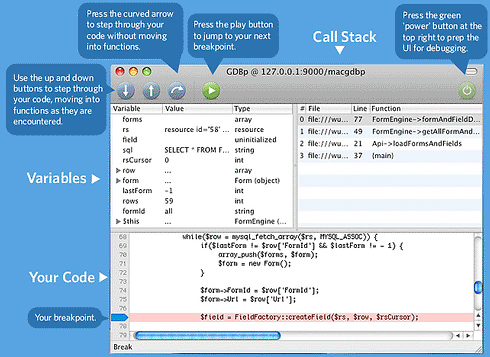
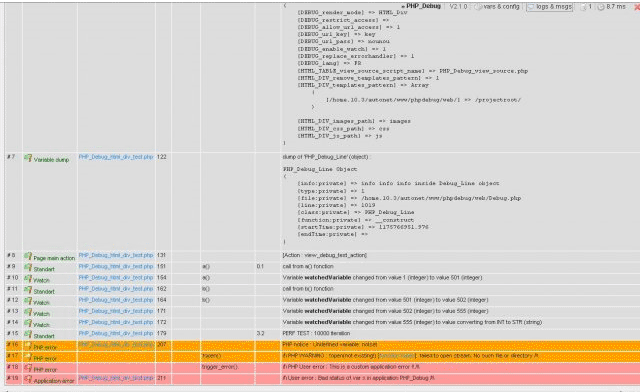
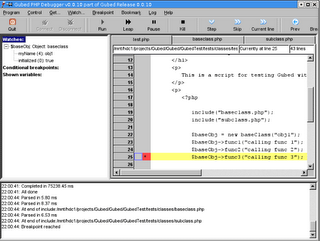
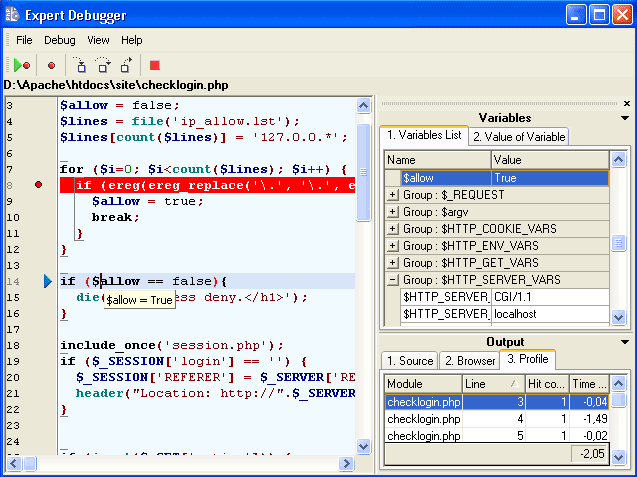
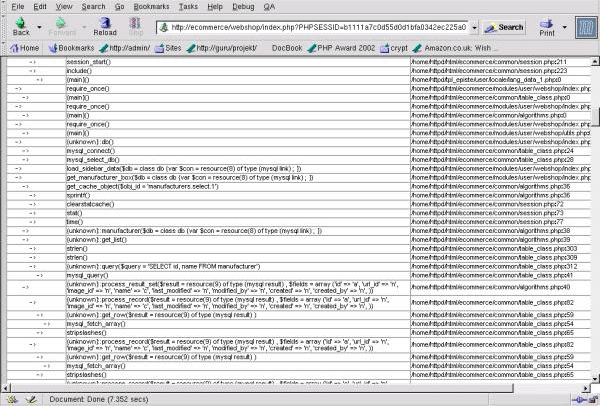
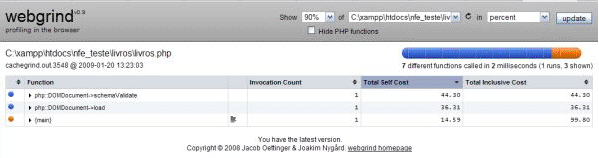
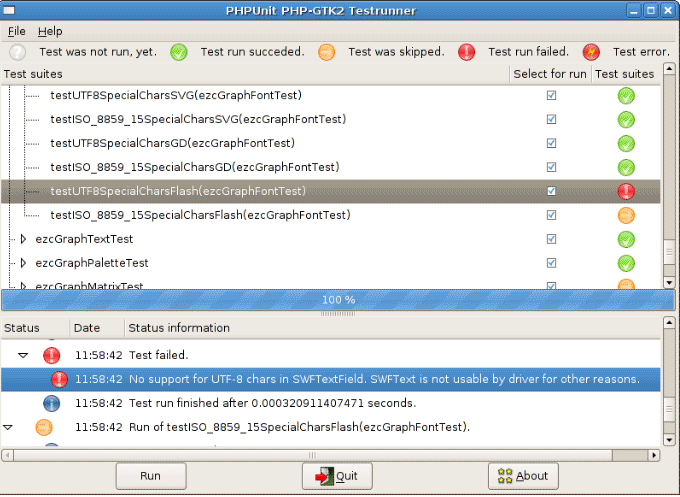
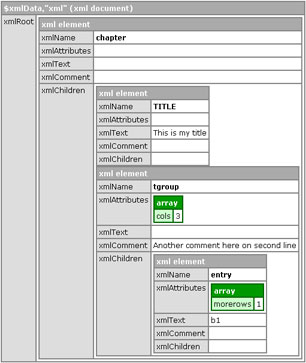
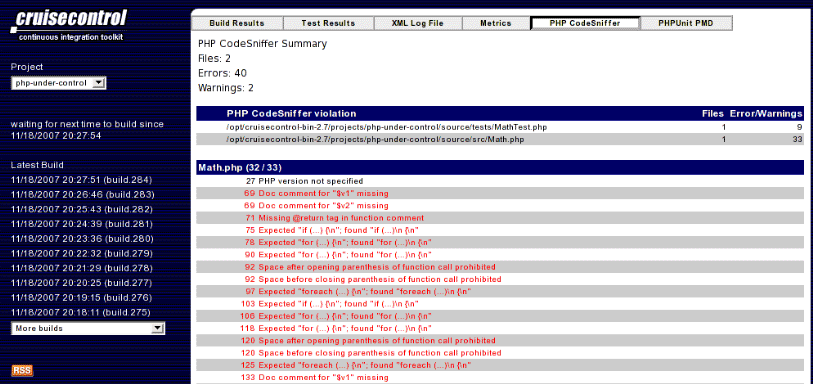
A lot of debugging and testing tools were available. Some of them were listed below.
Does your system get affected by virus?
Is your files hacked by some others?
Here we have given some tips to be safe from viruses.
Operating system
The best way to improve your safety is by upgrading your system with latest version of o.s. Windows 2000 is safety when comparing to Windows 95. Linux is even better.
Email attachments
Most of the viruses were coming through mails, especially in attachments. So do not open email attachments if you are not sure about the sender.
Anti-virus software
If you are not able to locate the viruses which are hiding inside the files, it is better to run Anti-virus software. Also you should frequently update the virus recognition data file.
This software gives good protection against hackers, as it recognizes the hacking files that were trying to install on your computer.
Patches
If you need greater security, you have to apply patches. Patches are small software add-ons which are intended to deal with specific security holes and other computer problems. You can get all the patches on the Microsoft site itself.
Credit card details
While you are entering your credit card details or any other personal information on a Web site, don't forget to check for the closed padlock or key symbol in the browser window. Only recognized sites have this logo. So if you can't find such one, do not enter information on those sites.
Firewall
If your system is running round the clock with connecting through DSL or cable, it is essential to install firewalls. Firewalls check any program that attempt to connect with the Internet, including any hacker files on your computer. It also makes your computer invisible to Internet intruders.
File downloading
Do not download or save all the attachments in mails. Also don't download files from all sites. You should download software from sites you trust.
Passwords
Use good passwords. Do not give names or the words you can find in a dictionary. It should be tough to predict. Also don't keep important passwords on your machine.
File sharing
In most of the computers on Internet, file sharing is switched on. This paves the way for hackers to access all our data and information. By default, file sharing is set to "on" in computers built before 2000.You can easily change the setting.
If you take these basic safety measures, you've reduced your risk to the minimum and the chances of affected by viruses are extremely low.
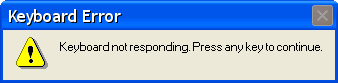
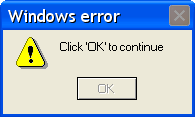
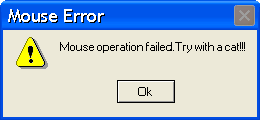
Errors occur while programming is common.Everyone faces errors that may be either hardware or software error.
Here We have given some funny error messages.We don't have any idea about fixing these errors.If you are a good programmer,Tell us how to fix these errors.
ERROR 1:
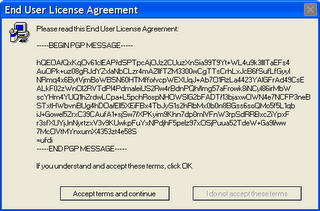
While installing an application, what you do if the user agreement is like this?
ERROR 2:
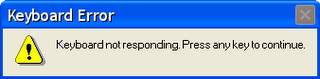
I can't type with my keyboard.It popup an error message like below.Can anybody guide me on fixing this issue?
ERROR 3:
ERROR 4:
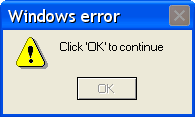
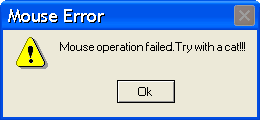
Is anybody get this kind of error? My mouse failed.What to do?








Post a Comment