




JavaScript Async/Await
Promises vs Async/Await in JavaScript
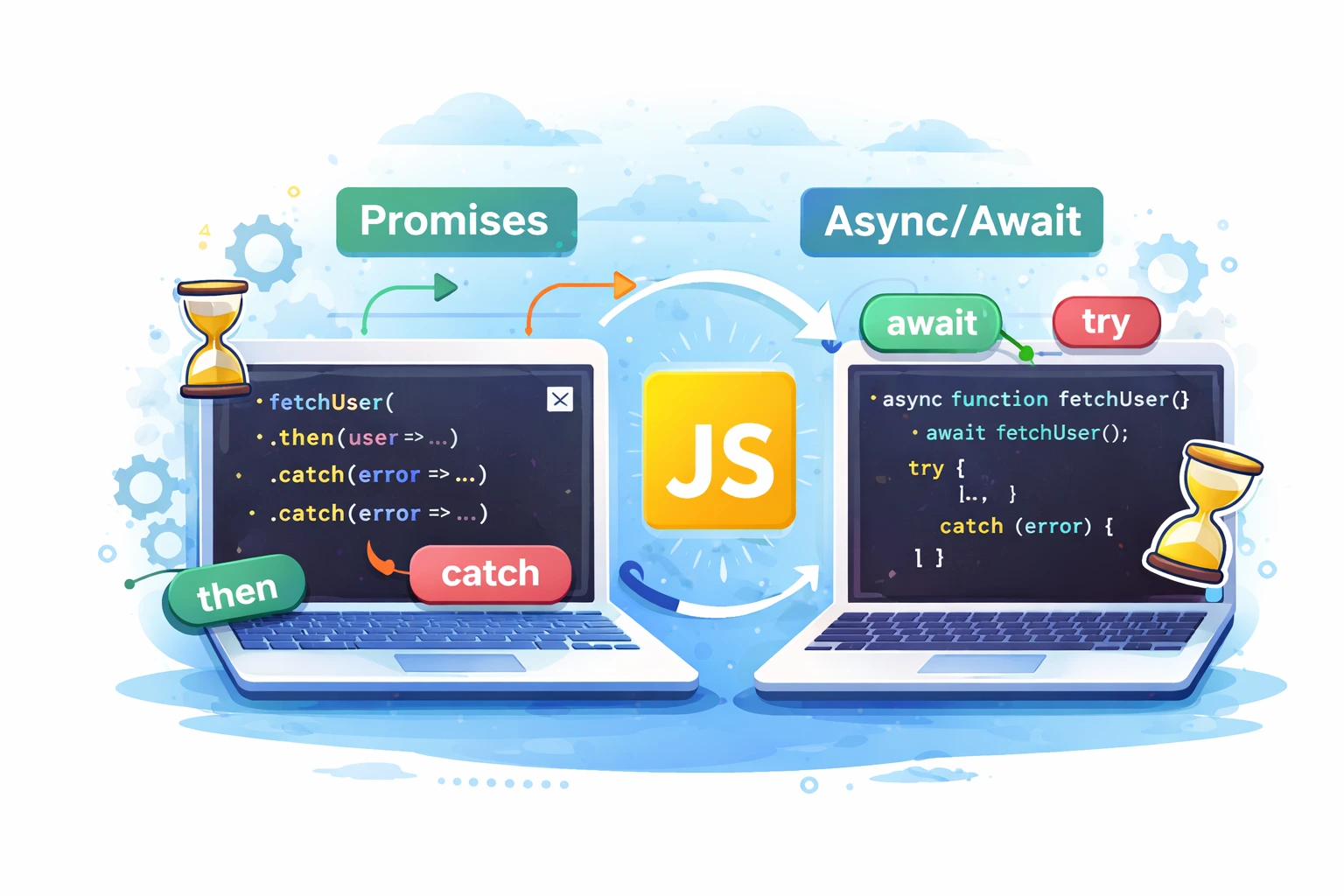
JavaScript is designed to handle tasks asynchronously, meaning it can perform long-running operations like API requests, file handling, or database calls without blocking the main execution thread. To manage these asynchronous operations, JavaScript introduced Promises, which later evolved into a more readable syntax called async/await. Both Promises and async/await are essential concepts in modern JavaScript development, and while they solve the same problem, they differ in how the code is written and understood. Choosing the right approach can greatly improve code readability, maintainability, and error handling in real-world applications.
A Promise is an object that represents the eventual result of an asynchronous operation. It can be in one of three states: pending, fulfilled, or rejected. Promises use .then() to handle successful results and .catch() to handle errors. They helped developers avoid callback hell by allowing chaining of asynchronous operations. However, when many .then() calls are chained together, the code can still become difficult to read and debug.
fetch(‘/api/data’)
.then(response => response.json())
.then(data => {
console.log(data);
})
.catch(error => {
console.error(error);
});
This example shows how a Promise handles an API request and processes the response.
Async/await is built on top of Promises but provides a cleaner and more synchronous-looking syntax. Any function declared with the async keyword automatically returns a Promise, and the await keyword pauses the execution until the Promise resolves. This makes the code easier to read and understand, especially when multiple asynchronous operations depend on each other. Error handling also becomes simpler using try...catch, which is more familiar to most developers.
async function fetchData() {
try {
const response = await fetch(‘/api/data’);
const data = await response.json();
console.log(data);
} catch (error) {
console.error(error);
}
}
This version performs the same task but is much easier to follow.
performance. Promises are useful when you need to run tasks in parallel, such as using Promise.all() to fetch data from multiple sources at the same time. Async/await is better for sequential logic, where one operation depends on the result of another. Internally, async/await still uses Promises, so there is no significant performance difference between the two.
In modern JavaScript development, async/await is generally preferred because it produces cleaner, more maintainable code. However, understanding Promises is still important, especially when working with older codebases or advanced asynchronous patterns. By mastering both Promises and async/await, developers can write efficient, scalable, and professional JavaScript applications. Knowing when to use each approach is a key skill for anyone building modern web applications.