




SEO audit
Python Script to Find Broken Links and Export a CSV Report
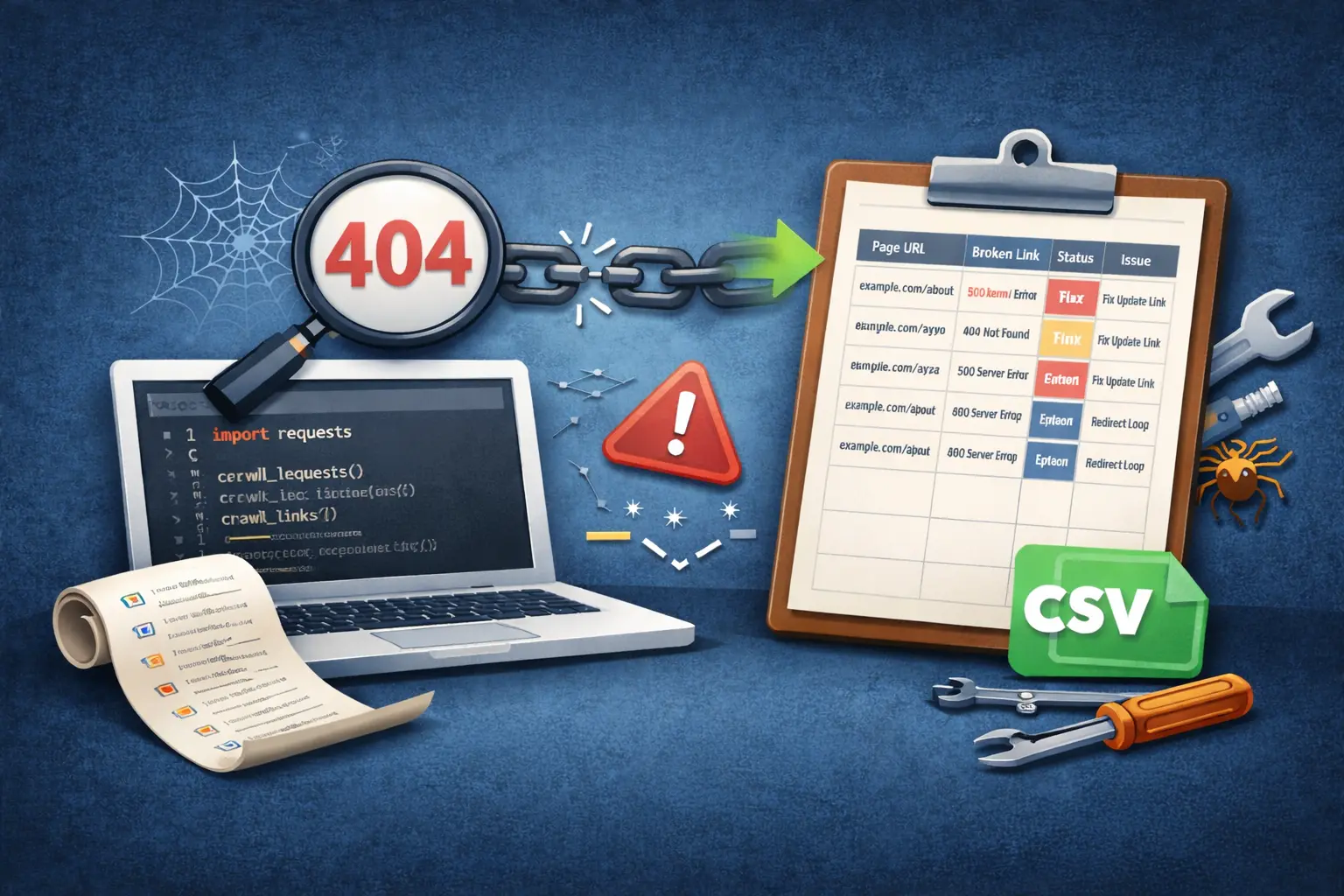
A Python broken link checker is one of the most practical programming-based tools you can build for SEO, because broken links create a bad user experience and can also waste search engine crawl budget. When visitors click a link and land on a “page not found” error, trust drops instantly, and if Googlebot finds too many dead URLs on your site, it may reduce crawling efficiency and slow down discovery of your important pages. That’s why adding broken link checking to your technical SEO routine is valuable for blogs, business sites, and ecommerce stores. With Python, you can automate the entire process instead of manually opening pages and clicking links one by one. The concept is simple: your script visits a page, collects all the links on that page, checks each link’s HTTP status code, and records any link that returns an error like 404, 500, or a problematic redirect pattern. The best part is that you can export the results to a CSV report, which makes it easy to review, share with a developer, and fix systematically.
Steps to Build a Python Broken Link Checker That Exports a CSV Report
Step 1: Understand the purpose of broken link checking
Broken links negatively affect user experience and SEO by leading visitors and search engines to non-existent or error pages. A Python broken link checker is designed to automatically identify these problematic URLs so they can be fixed quickly. Understanding this goal helps you focus on SEO-critical links and generate actionable reports.
Step 2: Prepare the list of URLs to scan
Start by deciding which pages should be checked. This usually includes the homepage, blog posts, service pages, and category pages. URLs can be added manually, read from a file, or pulled from an XML sitemap to ensure complete site coverage.
Step 3: Fetch page content using HTTP requests
Each URL is requested to retrieve its HTML content. If a page itself returns an error status, it should be logged separately because it indicates a broken page rather than a broken link inside the page.
Step 4: Extract all links from the HTML
Once the HTML is available, extract all anchor tag links. Clean the results by removing empty links, page fragments, email links, and phone links. This ensures only valid URLs are checked.
Step 5: Normalize and filter URLs
Convert relative URLs into absolute URLs so they can be tested correctly. At this stage, you can also filter out unnecessary URLs such as admin paths, tracking parameters, or non-indexable pages.
Step 6: Decide link checking rules
Internal links should be prioritized because they directly affect site structure and SEO. External links can also be checked, but they should be treated carefully since you don’t control external websites.
Step 7: Check HTTP status codes
Each link is requested and its HTTP status code is recorded. Links returning 200 are valid. Redirects (301 or 302) should be checked for chains. Links returning 404, 500, or timing out are marked as broken.
Step 8: Classify link issues clearly
Instead of storing raw status codes only, classify issues into readable categories such as broken link, server error, redirect chain, or timeout. This improves report usability for non-technical users.
Step 9: Record source and destination details
For every issue, store both the source page where the link was found and the destination URL. This helps quickly locate and fix broken links.
Step 10: Export results to a CSV report
All collected data is exported into a CSV file. The report should include source URL, broken link, status code, issue type, and suggested fix. CSV format allows easy sharing and prioritization.
Step 11: Fix issues and repeat regularly
After fixing broken links or adding redirects, re-run the script to confirm the fixes. Regular audits should be performed after content updates, redesigns, or migrations.