
Search Engine Optimization Services
 
SEO Link Building Services Articles Genie Magic Web Design Contact Us Seo Tools


Friday, March 28, 2008

creating a stylish button

Follow these steps to create a stylish button like this.

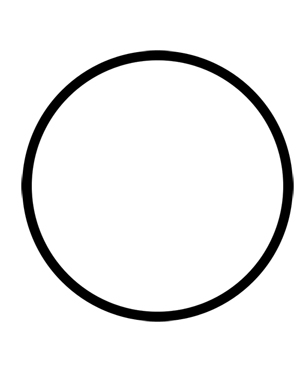
1.create a circle with same height and width.To get this Alt+Shift and draw circle.


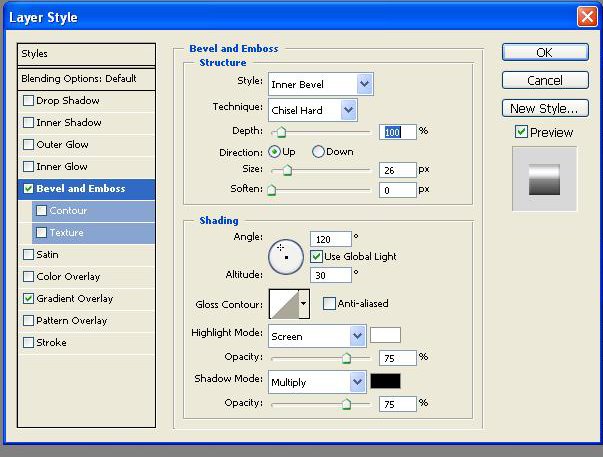
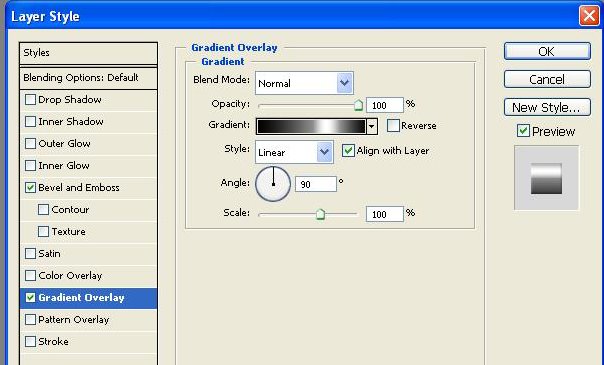
2.Then go to the layer and select bevel and emboss option.


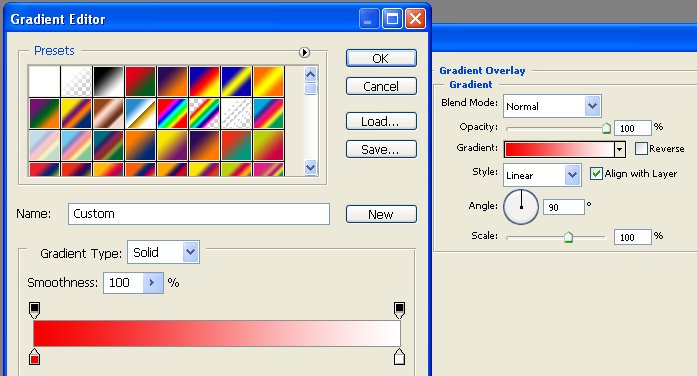
and then go to gradient overlay option and enter the following datas which are shown below.

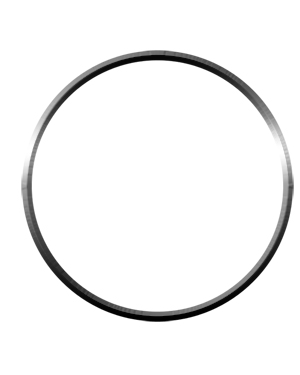
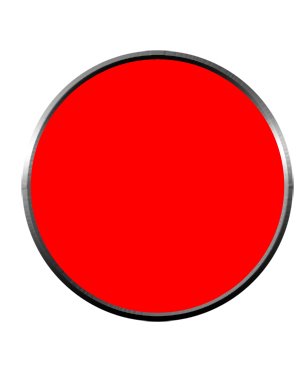
4.Draw a circle as shown below.
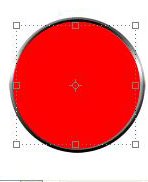
5.Now draw a circle with same color but with radius less than above circle.
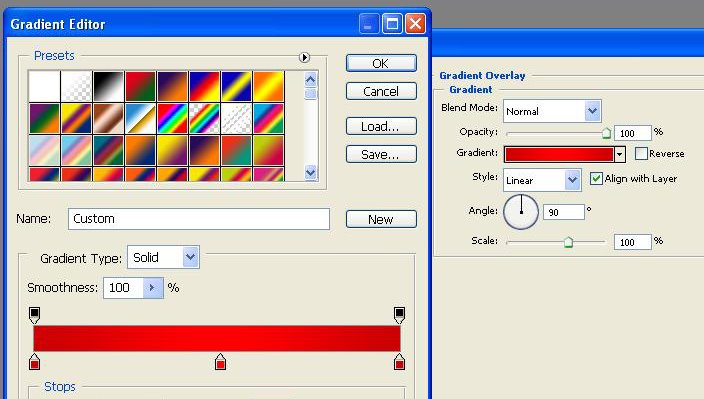
6.now select gradient overlay option for this layer and enter the values as below.
7.Now draw a small as given below.
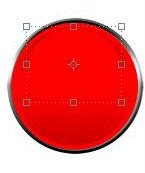
8.Then choose gradient overlay option and do it as below.
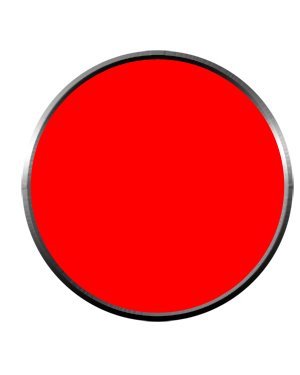
Finally you will get the button as below.


                                Earthlink Netscape Netvouz RawSugar Shadows Sphinn StumbleUpon Yahoo MyWeb

0 Comments:

Post a Comment

<< Home

Previous Posts & Archives

    Categories

Search Our Site
Featured Links
PageRank 10 sites
Services
 Search Engine Optimization
 Web Design
 Link Building
 Search Engine Marketing
 Internet Marketing
 SEO Consulting
 Ecommerce  Implementation.
 Pay Per Click Services
 Graphic Design.
 Shopping Feeds Optimization.
 Shopping Cart Customization
 Product Development.
 Online Forms & Database       Integration.
 PHP Programming  Services
 Programming Services Java,J2EE
 .NET Application Development      Programming Services
 Business Process OutSourcing
 Offshore Outsourcing
Articles
Company


Search Engine Optimization SEO Company | Privacy Policy | Term of Service | Copyright
Search Engine Genie is an Ethical Search Engine Optimization Company Specializing in Search Engine Marketing, Search Engine Promotion and Search Engine Ranking Services.