Yes, a hacked website can lose Google rankings, sometimes dramatically. When Google detects malware, spam injections, phishing pages, or suspicious redirects, it may flag the site as unsafe, suppress rankings, or even remove pages from search results entirely. In many cases, traffic drops happen within hours-not because Google is “penalizing” you manually, but because trust signals are broken. Users avoid flagged sites, crawl budgets are reduced, and infected pages pollute your index with low-quality or spam content. The faster you act, the better your chances of minimizing long-term SEO damage.

The first thing to understand is how hacks affect SEO. Most hacks inject spam pages, hidden links, malicious scripts, or redirects targeting pharmaceutical, gambling, or adult keywords. Google’s crawlers index this junk content, which dilutes topical relevance and can trigger security warnings in Search Console. Even if your main pages look normal, hidden payloads can still harm rankings. Over time, backlinks may be devalued, impressions drop, and Google may stop crawling important pages altogether. This is why “waiting it out” is one of the worst responses after a hack.
In the first few hours, your priority is containment. Take the site offline or put it into maintenance mode to prevent further damage. Change all passwords immediately-hosting, CMS, database, FTP, admin accounts-and revoke unknown users. Scan the site for malware and file changes, including theme and plugin files. Check Google Search Console for security issues, manual actions, and sudden spikes in indexed pages. If spam URLs are indexed, document them. These steps don’t restore rankings instantly, but they stop the bleeding and preserve what trust you still have.
Next, focus on cleanup and validation. Remove all malicious code, injected pages, redirects, and backdoors. Update the CMS, plugins, and themes, and delete anything unused or outdated. Restore clean backups only if you’re certain they predate the hack. Once the site is clean, request a malware review in Google Search Console and submit updated sitemaps. This tells Google you’ve fixed the issue and are ready to be re-evaluated. Skipping this step often delays recovery by weeks.
Finally, think beyond cleanup and work on rebuilding trust. Monitor crawl errors, indexing, and rankings daily for the next few weeks. Add security hardening-firewalls, malware monitoring, file integrity checks-to prevent repeat attacks. Review server logs to understand how the breach occurred. Most importantly, improve site quality signals: fix broken pages, remove thin or spam-like URLs, and ensure your core content is strong. While some sites recover rankings within days, others may take weeks. The difference usually comes down to how fast and thoroughly you act in the first 24 hours.
Tags: google-ranking-drop, google-search-console, hacked-website, malware-removal
Google Search Console (GSC) is the most reliable place to track SEO changes because it shows how Google Search is actually displaying and driving traffic to your site. Whenever you publish new content, update titles, improve internal links, or fix technical issues, GSC helps you measure the real impact. Instead of guessing, you can track changes in clicks, impressions, CTR, and average position over time to understand whether your SEO work is improving visibility and traffic.
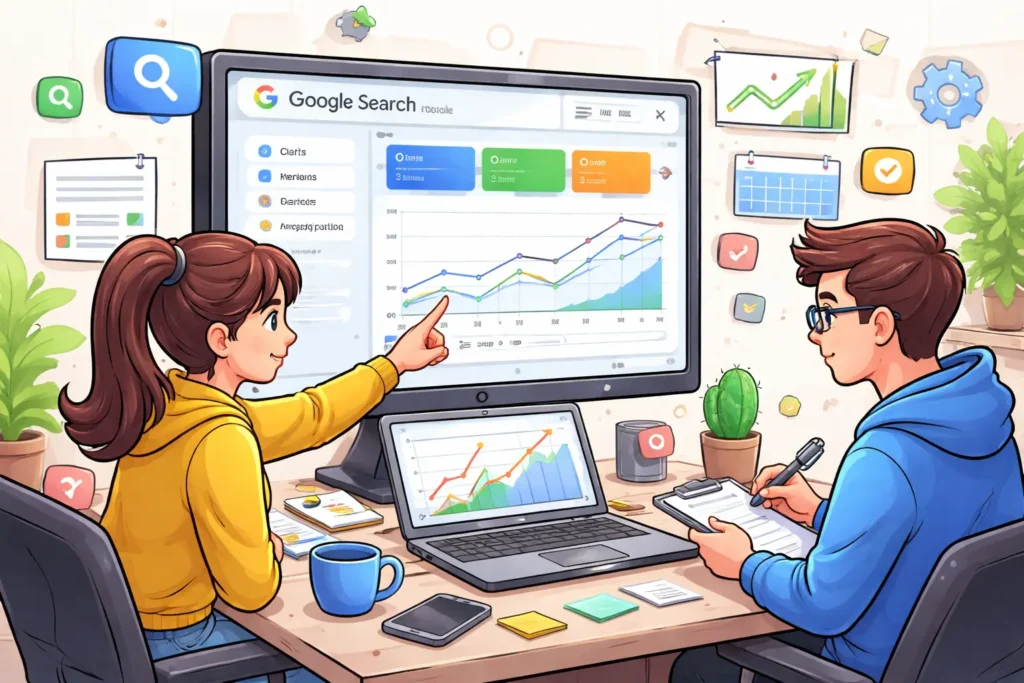
Start inside Performance → Search results, because this is your main “scoreboard” for SEO. Here you’ll see total clicks (traffic), total impressions (visibility), average CTR (how attractive your snippet is), and average position (ranking trend). To properly measure improvements, use the Compare feature-like “Last 28 days vs Previous 28 days”-so you can spot meaningful trends instead of reacting to daily fluctuations. If you made a big update recently, comparing shorter ranges like “Last 7 days vs Previous 7 days” can show early signals, but longer comparisons are usually more stable.
Next, segment the data so you know exactly what changed. Most people only look at totals, but smart tracking happens in filters: use the Query filter to monitor your target keywords, and the Page filter to measure the exact page you optimized (service page, location page, or blog post). You can also split performance by device (mobile vs desktop) and country to find hidden issues-sometimes rankings improve on desktop but drop on mobile, or a specific location starts performing better after local optimization.
To keep your tracking clean, always note the dates you made changes. Add annotations in Search Console to mark when you published a new page, updated meta titles, changed headings, or improved site speed. This helps you connect ranking or traffic changes to specific actions. After major edits, also use URL Inspection to confirm the page is indexed correctly and review the Page indexing report for any crawl or indexing problems that could block your results. If your changes were performance-related, checking Core Web Vitals reports can also help you understand whether speed or usability improvements are being reflected.
Finally, build a simple weekly routine so tracking becomes easy. Each week, review which queries gained impressions but didn’t gain clicks (usually a title/CTR problem), which pages lost position (often needs a refresh or internal linking), and which pages gained clicks (double down with supporting content). When you consistently track SEO changes this way-compare date ranges, segment by query and page, confirm indexing, and document updates-you’ll know what’s working and where to focus for maximum growth.
Tags: google-search-console, search-console-report, seo-performance, seo-tracking