google-search-console
Seeing your website traffic suddenly fall can be worrying. But a traffic drop does not always mean your SEO has failed.
Rankings, technical issues, competitors, seasonal searches, and outdated content can all affect your visitor numbers. The key is finding out where the drop started and what caused it.
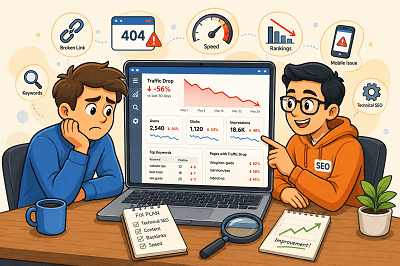
First, Find Out Where the Traffic Dropped
Before changing your website, check Google Search Console and Google Analytics.
Look for:
- Pages that lost the most visitors
- Keywords receiving fewer clicks
- Changes in impressions
- Traffic drops from specific devices or countries
Once you know where the decline happened, finding the cause becomes much easier.
Did Your Google Rankings Fall?
A ranking drop is one of the most common reasons for losing organic traffic.
Check whether your important pages and keywords have moved lower in Google. If they have, review the pages ranking above you and improve your content, headings, internal links, and overall usefulness.
Is Your Content Getting Old?
Content that performed well a year ago may no longer provide the best answer.
Update old statistics, replace outdated information, improve weak sections, and add useful new details. Sometimes refreshing an existing page is more valuable than publishing another similar article.
Are Technical Problems Hurting Your Site?
A broken page, indexing issue, server problem, or incorrect redirect can quietly reduce traffic.
Check important pages in Google Search Console and make sure Google can crawl and index them correctly. Also look for broken links and pages returning errors.
Have Your Competitors Improved?
Sometimes your traffic falls even when you haven’t changed anything.
Competitors may have published better content, improved their websites, or earned stronger backlinks. Compare the pages ranking above yours and look for areas where your page can offer something more useful.
Has Search Demand Changed?
Not every traffic decline is an SEO problem.
Some searches are seasonal. Others become less popular as customer interests change.
Compare traffic with the same period from the previous year before assuming something is wrong. Google Trends can also help you understand whether interest in a topic has changed.
Is Your Website Slow or Difficult to Use?
Slow pages and poor mobile experiences can frustrate visitors.
Make sure your website loads quickly, works properly on mobile devices, and makes important information easy to find.
Website traffic can drop for many reasons, so avoid making random SEO changes immediately. Start with your data, identify which pages or keywords lost traffic, and then investigate the cause. Once you understand what changed, you can focus on the improvements that matter most.
Tags: Google Rankings, google-search-console, Keyword Rankings, Organic Traffic, seo-audit, Traffic Drop, Website Performance, Website Traffic
If your website does not show up on Google, there might be some reasons.
At times, it is because Google has not indexed your website. It may be the case that Google has indexed your website but your site is ranking very low.
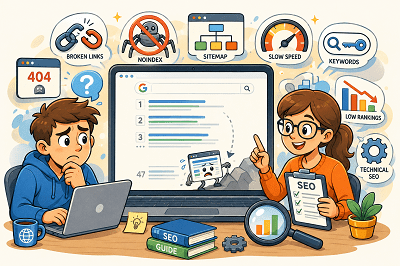
Here are the seven most common SEO issues:
1. Google Has Not Indexed Your Website
In order to show your web pages on Google, first, Google needs to crawl them.
Fix: Configure Google Search Console, submit your sitemap, and use URL Inspection tool.
2. Your Website Is Blocking Google
You have set noindex on your website or you have blocked your site by using a robots.txt file.
Fix: Make sure that you are not blocking Google in any way.
3. Your Website Has Technical SEO Issues
It may happen due to various technical issues such as broken links, server errors, incorrect redirects, and duplicate pages.
Fix: Do an SEO audit and correct any technical issues that might hinder crawling and indexing.
4. The Information Provided by Your Content Is Inadequate
Pages that have very little information can fail to rank.
Google loves content that is valuable, clear, and user-focused.
Fix: Make sure you create valuable content that clearly communicates your products, services, or topic.
5. You are Using the Wrong Keywords
Your site may fail to show up if you don’t target the terms used by people searching.
Fix: Make sure you use the right keywords within your title, headings, and body copy.
6. You Have Bad Internal Linking
Pages that have no or few internal links are less likely to be found by Google.
Fix: Make sure you link your pages and blog posts to each other for easy navigation by visitors and search engines.
7. Your Website Has a Low Rank
Your website might already be indexed but ranks below your competitors.
This is often due to the better content, backlinks, or SEO of competing sites.
Fix: Improve your website and its SEO over time.
Google Search Console can help you check whether your pages are indexed and identify possible SEO problems. If your website is not showing up on Google, start by checking indexing, then review your technical SEO, content, keywords, and internal links. Fixing these basic issues can help Google better understand your website and improve its chances of appearing in search results.
Tags: Google Indexing, Google Rankings, google-search-console, SEO Problems, SEO Tips, Technical SEO, Website Ranking
A sudden drop in organic traffic can be one of the most frustrating experiences for a website owner. If you own a corporate website, online store, or blog, experiencing a drop in traffic can be frustrating and is often a cause for worry when considering rankings, lead generation, and other aspects of your online presence. Even though a fall in traffic might be disheartening initially, there are particular reasons behind it.
First of all, it is important to know that the organic traffic will almost never decrease for no apparent reason. There are updates to search engine algorithms, there are advancements in the websites of your competitors, there might arise certain technical problems, and so forth. In many cases, just a minor adjustment you make to your site might impact the work of the search engines in terms of crawling, indexing, and ranking. This is why it is critical to establish the time when the decrease took place.
A possible reason for lower organic traffic could be a fall in the rankings of keywords. Pages that used to rank on the first page of Google may start getting lower rankings, causing lower clicks and lower visits. This can happen for several reasons, including increased competition, old content, or algorithm updates by Google. Keeping track of keyword ranks will give you a clear picture of the pages where you might have to work to increase rankings and traffic.
Problems related to technical SEO are another reason behind a fall in the number of visitors. Technical issues such as broken pages, indexing problems, crawl errors, and incorrect redirects can prevent search engines from accessing important pages on your website. Often, website owners don’t even know that there are technical problems until their traffic starts falling. Checking Google Search Console is very helpful for this.
The quality of the content is another essential factor that contributes significantly to keeping the website visible on search engine results. The idea behind this practice is to deliver the most relevant and useful information to the customers. Outdated content that does not satisfy the search criteria anymore will lead to falling rankings. Thus, it is necessary to update the existing content and address customer concerns.
Backlinks are another area that should be considered. Backlinks continue to play an important role in the rankings process, and any links lost from authoritative sites may impact your rankings. Tracking your backlinks will enable you to determine if any valuable links were lost or if competitors became more authoritative.
Website loading time and the user experience factor cannot be ignored as well. Poor loading speed, bad mobile compatibility, and Core Web Vitals may harm users and the website’s ranking. A speedy and responsive website stimulates interaction and allows for the faster crawling process by search engines. Website image optimization, removal of unnecessary scripts, and good hosting services may benefit SEO efforts.
The algorithm updates by Google can also affect the traffic you receive through organic searches. The search engines periodically make adjustments in their algorithms to provide better search results and lower the visibility of poor-quality pages. In case the fall in traffic was witnessed simultaneously with an update of the algorithm by Google, you should take time and analyze your website in detail. Make sure you are providing high-quality content and meeting other criteria to ensure better visibility and ranking even after the algorithm is updated.
Competitor monitoring is also crucial for you. Since ranking is very dynamic, and since your rivals could be producing superior quality content and gaining good backlinks, among others, then you need to compare yourself with them. This will help you to see where you are weak and how you can exploit those weaknesses to strengthen your content as well as improve your ranking.
If you have noticed a drop in organic traffic, know that you are not alone. Almost every website goes through ups and downs in search traffic at some point. The important thing here is how fast you find the reason behind the problem and react accordingly. By constantly monitoring your website, updating its content, and solving technical problems, you will definitely find your way back to being visible online.
Tags: Google Rankings, google-search-console, Keyword Rankings, Organic Traffic, Organic Traffic Drop, SEO Tips, seo-audit, TechnicalSEO, Website Traffic
Yes, a hacked website can lose Google rankings, sometimes dramatically. When Google detects malware, spam injections, phishing pages, or suspicious redirects, it may flag the site as unsafe, suppress rankings, or even remove pages from search results entirely. In many cases, traffic drops happen within hours-not because Google is “penalizing” you manually, but because trust signals are broken. Users avoid flagged sites, crawl budgets are reduced, and infected pages pollute your index with low-quality or spam content. The faster you act, the better your chances of minimizing long-term SEO damage.

The first thing to understand is how hacks affect SEO. Most hacks inject spam pages, hidden links, malicious scripts, or redirects targeting pharmaceutical, gambling, or adult keywords. Google’s crawlers index this junk content, which dilutes topical relevance and can trigger security warnings in Search Console. Even if your main pages look normal, hidden payloads can still harm rankings. Over time, backlinks may be devalued, impressions drop, and Google may stop crawling important pages altogether. This is why “waiting it out” is one of the worst responses after a hack.
In the first few hours, your priority is containment. Take the site offline or put it into maintenance mode to prevent further damage. Change all passwords immediately-hosting, CMS, database, FTP, admin accounts-and revoke unknown users. Scan the site for malware and file changes, including theme and plugin files. Check Google Search Console for security issues, manual actions, and sudden spikes in indexed pages. If spam URLs are indexed, document them. These steps don’t restore rankings instantly, but they stop the bleeding and preserve what trust you still have.
Next, focus on cleanup and validation. Remove all malicious code, injected pages, redirects, and backdoors. Update the CMS, plugins, and themes, and delete anything unused or outdated. Restore clean backups only if you’re certain they predate the hack. Once the site is clean, request a malware review in Google Search Console and submit updated sitemaps. This tells Google you’ve fixed the issue and are ready to be re-evaluated. Skipping this step often delays recovery by weeks.
Finally, think beyond cleanup and work on rebuilding trust. Monitor crawl errors, indexing, and rankings daily for the next few weeks. Add security hardening-firewalls, malware monitoring, file integrity checks-to prevent repeat attacks. Review server logs to understand how the breach occurred. Most importantly, improve site quality signals: fix broken pages, remove thin or spam-like URLs, and ensure your core content is strong. While some sites recover rankings within days, others may take weeks. The difference usually comes down to how fast and thoroughly you act in the first 24 hours.
Tags: google-ranking-drop, google-search-console, hacked-website, malware-removal
Google Search Console (GSC) is the most reliable place to track SEO changes because it shows how Google Search is actually displaying and driving traffic to your site. Whenever you publish new content, update titles, improve internal links, or fix technical issues, GSC helps you measure the real impact. Instead of guessing, you can track changes in clicks, impressions, CTR, and average position over time to understand whether your SEO work is improving visibility and traffic.
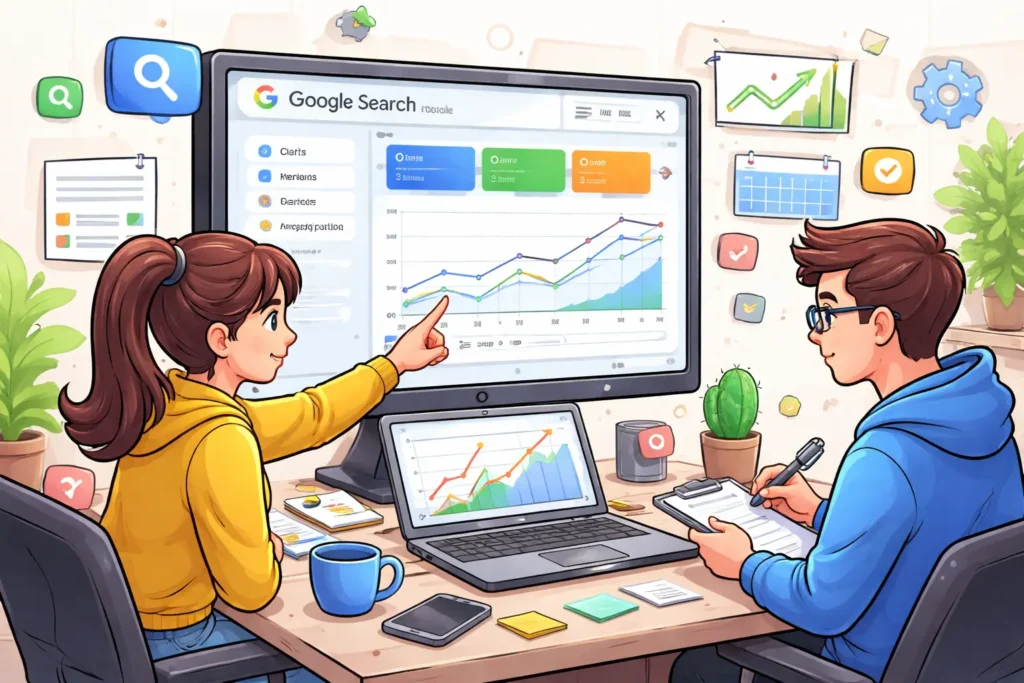
Start inside Performance → Search results, because this is your main “scoreboard” for SEO. Here you’ll see total clicks (traffic), total impressions (visibility), average CTR (how attractive your snippet is), and average position (ranking trend). To properly measure improvements, use the Compare feature-like “Last 28 days vs Previous 28 days”-so you can spot meaningful trends instead of reacting to daily fluctuations. If you made a big update recently, comparing shorter ranges like “Last 7 days vs Previous 7 days” can show early signals, but longer comparisons are usually more stable.
Next, segment the data so you know exactly what changed. Most people only look at totals, but smart tracking happens in filters: use the Query filter to monitor your target keywords, and the Page filter to measure the exact page you optimized (service page, location page, or blog post). You can also split performance by device (mobile vs desktop) and country to find hidden issues-sometimes rankings improve on desktop but drop on mobile, or a specific location starts performing better after local optimization.
To keep your tracking clean, always note the dates you made changes. Add annotations in Search Console to mark when you published a new page, updated meta titles, changed headings, or improved site speed. This helps you connect ranking or traffic changes to specific actions. After major edits, also use URL Inspection to confirm the page is indexed correctly and review the Page indexing report for any crawl or indexing problems that could block your results. If your changes were performance-related, checking Core Web Vitals reports can also help you understand whether speed or usability improvements are being reflected.
Finally, build a simple weekly routine so tracking becomes easy. Each week, review which queries gained impressions but didn’t gain clicks (usually a title/CTR problem), which pages lost position (often needs a refresh or internal linking), and which pages gained clicks (double down with supporting content). When you consistently track SEO changes this way-compare date ranges, segment by query and page, confirm indexing, and document updates-you’ll know what’s working and where to focus for maximum growth.
Tags: google-search-console, search-console-report, seo-performance, seo-tracking