




SEO Audits
Why Your Website Traffic Is Dropping and How to Fix It
Seeing your website traffic suddenly fall can be worrying. But a traffic drop does not always mean your SEO has failed.
Rankings, technical issues, competitors, seasonal searches, and outdated content can all affect your visitor numbers. The key is finding out where the drop started and what caused it.
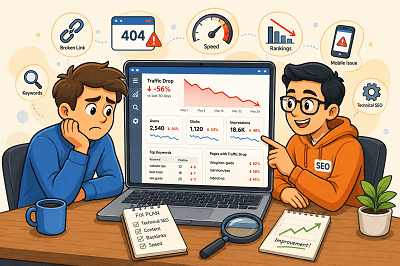
First, Find Out Where the Traffic Dropped
Before changing your website, check Google Search Console and Google Analytics.
Look for:
- Pages that lost the most visitors
- Keywords receiving fewer clicks
- Changes in impressions
- Traffic drops from specific devices or countries
Once you know where the decline happened, finding the cause becomes much easier.
Did Your Google Rankings Fall?
A ranking drop is one of the most common reasons for losing organic traffic.
Check whether your important pages and keywords have moved lower in Google. If they have, review the pages ranking above you and improve your content, headings, internal links, and overall usefulness.
Is Your Content Getting Old?
Content that performed well a year ago may no longer provide the best answer.
Update old statistics, replace outdated information, improve weak sections, and add useful new details. Sometimes refreshing an existing page is more valuable than publishing another similar article.
Are Technical Problems Hurting Your Site?
A broken page, indexing issue, server problem, or incorrect redirect can quietly reduce traffic.
Check important pages in Google Search Console and make sure Google can crawl and index them correctly. Also look for broken links and pages returning errors.
Have Your Competitors Improved?
Sometimes your traffic falls even when you haven’t changed anything.
Competitors may have published better content, improved their websites, or earned stronger backlinks. Compare the pages ranking above yours and look for areas where your page can offer something more useful.
Has Search Demand Changed?
Not every traffic decline is an SEO problem.
Some searches are seasonal. Others become less popular as customer interests change.
Compare traffic with the same period from the previous year before assuming something is wrong. Google Trends can also help you understand whether interest in a topic has changed.
Is Your Website Slow or Difficult to Use?
Slow pages and poor mobile experiences can frustrate visitors.
Make sure your website loads quickly, works properly on mobile devices, and makes important information easy to find.
Website traffic can drop for many reasons, so avoid making random SEO changes immediately. Start with your data, identify which pages or keywords lost traffic, and then investigate the cause. Once you understand what changed, you can focus on the improvements that matter most.
What Is Keyword Cannibalization and How to Fix It?
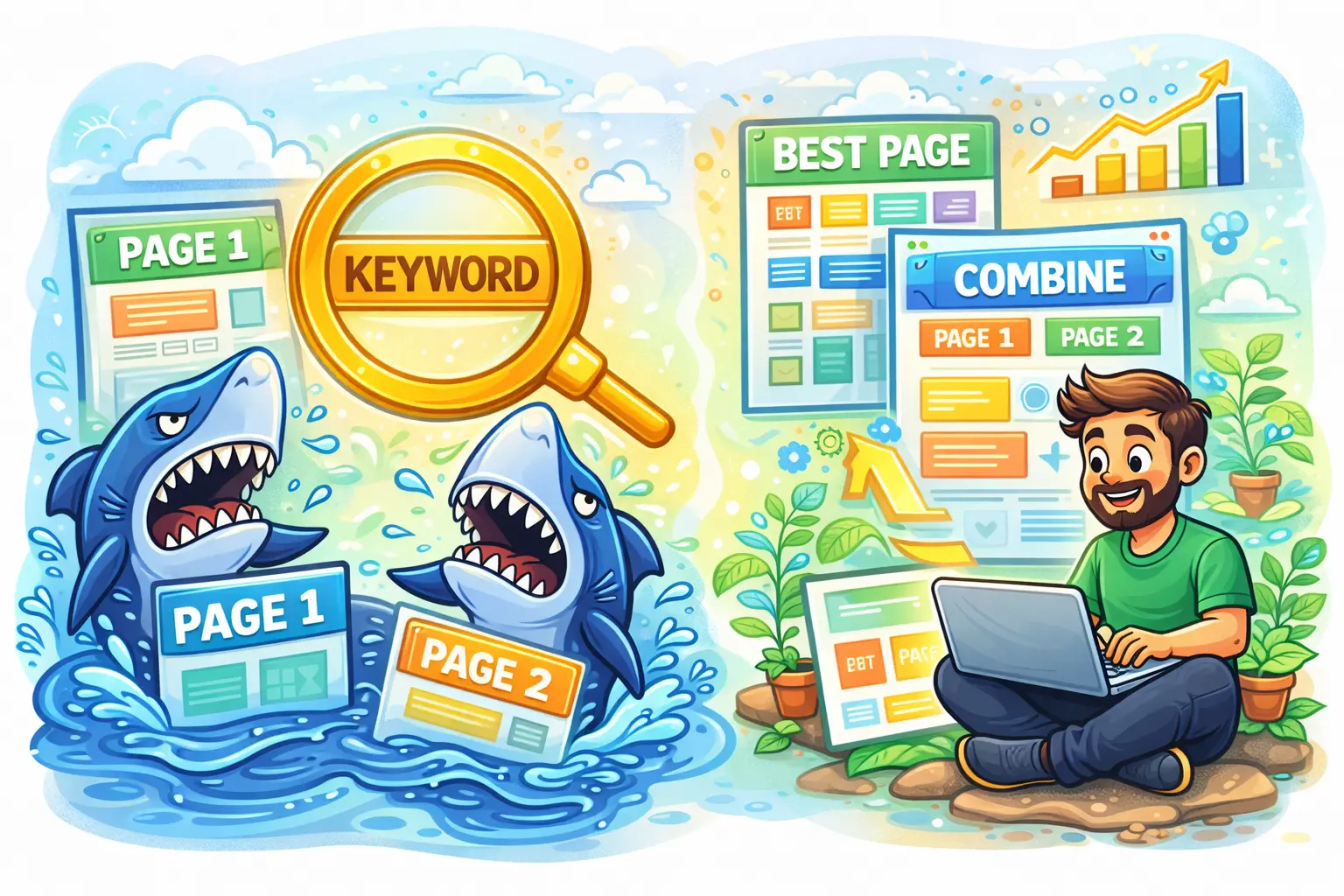
Keyword cannibalization happens when two or more pages on your website target the same keyword or the same search intent, which makes search engines unsure about which page should rank. For example, if you have two blog posts both optimized for “local SEO checklist” or two service pages both trying to rank for “website speed optimization,” Google may treat them as competing options rather than complementary resources. Instead of building one strong page that clearly deserves the top position, your site ends up sending mixed signals. This can happen even if the pages are not identical—if they answer the same question for the same type of user, they can still cannibalize each other. In simple terms, keyword cannibalization is when your own pages “fight” each other in Google results, and you lose the chance to rank your best page consistently.
The biggest problem with keyword cannibalization is that it often leads to unstable rankings and weaker traffic growth. You might notice that one week Page A ranks on Google, and the next week Page B replaces it, and then it switches again. When rankings keep rotating, click-through rate usually drops because users are not always landing on the most relevant or most convincing page. It also reduces SEO authority because your internal links, external backlinks, and engagement signals get split across multiple URLs instead of strengthening one primary URL. Over time, this can prevent both pages from reaching their full potential, especially for competitive keywords. You may also experience situations where neither page ranks in the top positions because search engines can’t confidently decide which one is the “best answer.” For businesses, that means fewer calls, fewer leads, and missed opportunities even though you created enough content.
Cannibalization usually happens because of normal content growth. Many websites publish multiple similar blogs on the same topic, create new pages without updating old ones, or build service pages that overlap too much. It’s common in local business sites that have multiple location pages with nearly the same content, or websites that publish “guide,” “checklist,” and “tips” posts that all target the same keyword. It can also happen if your category pages, tag pages, and blog posts all rank for the same terms, or when you create separate pages for “pricing,” “services,” and “benefits” but optimize them using the exact same main keyword. Typical signs include two URLs showing impressions for the same query in Google Search Console, frequent switching of ranking pages, sudden drops in traffic for a page you recently published, or a strong page that never climbs because another page keeps competing with it.
To fix keyword cannibalization, start by deciding which page should be the main “winner” for the keyword and intent. Usually, the best choice is the page with stronger backlinks, better content depth, higher conversions, or the page that matches the intent most accurately. Once you select the primary page, the most effective solution is often to merge content: combine the best parts of both pages into one improved page, update it thoroughly, and then set up a 301 redirect from the weaker page to the primary one. If both pages deserve to exist, then differentiate their intent instead of letting them overlap. For example, one page can target “how to do keyword research for local SEO,” while another targets “local SEO keyword research tools,” so each page serves a distinct purpose. Update the titles, headings, and main keyword targeting so each page has its own unique focus.
If you must keep similar pages (for example, due to product variations or multiple location pages), you can use canonical tags to tell Google which page is the preferred version for ranking. You should also improve internal linking by pointing the most important keyword-focused links toward the primary page and using clearer anchor text that matches each page’s purpose. In some cases, you may also “de-optimize” the duplicate page by changing the keyword focus, reducing overlapping sections, or rewriting content so it answers a different question. The best long-term strategy is simple: for most websites, aim for one primary page per keyword or intent, and make that page the strongest resource on your site. When your content has clear roles and clear targets, Google can rank it more confidently, your rankings become more stable, and your traffic and leads improve consistently.
Blogroll
Categories
- 2016 SEO trends predictions
- AI for eCommerce
- AI Search & SEO
- author rank
- Authority Trust
- Bing search engine
- blogger
- CDN & Caching.
- Content Strategy
- Core Web Vitals
- eCommerce Growth
- Experience SEO
- Fake popularity
- gbp-optimization
- Google Adsense
- Google Business Profile Optimization
- google fault
- google impact
- google Investigation
- google knowledge
- Google panda
- Google penguin
- Google Plus
- Google Search Console
- Google Search Updates
- Google webmaster tools
- google-business-profile
- google-maps-ranking
- Hummingbird algorithm
- infographics
- link building
- Local SEO
- local-seo
- Mattcutts Video Transcript
- Microsoft
- Mobile Performance Optimization
- Mobile SEO
- MSN Live Search
- Negative SEO
- On-Page SEO
- Page Speed Optimization
- pagerank
- Paid links
- Panda and penguin timeline
- Panda Update
- Panda Update #22
- Panda Update 25
- Panda update releases 2012
- Penguin Update
- Performance Optimization
- Sandbox Tool
- search engines
- SEO
- SEO Audits
- SEO Audits & Monitoring
- SEO cartoons comics
- seo predictions
- SEO Recovery & Fixes
- SEO Reporting & Analytics
- seo techniques
- SEO Tips & Strategies
- SEO tools
- SEO Trends 2013
- seo updates
- Server Optimization
- Shopify Optimization
- Shopify SEO
- Shopify Services
- Small Business Marketing
- social bookmarking
- Social Media
- SOPA Act
- Spam
- Technical SEO
- Uncategorized
- User Experience (UX)
- Webmaster News
- website
- Website Security
- Website Speed Optimization
- Yahoo