




SEO
A Google Ads glitch erroneously notifies certain advertisers of the suspension of their ad accounts.
Right before the much-anticipated Thanksgiving holiday and the onset of the extensive holiday shopping spree, including the highly anticipated Black Friday and Cyber Monday events, a wave of concern swept through certain advertisers who received unsettling emails from Google Ads. These emails conveyed the alarming message that their ads were no longer running, and their accounts had been suspended. However, this predicament was not a result of any policy violations or account issues but, rather, a technical glitch within the Google Ads system. Google swiftly reassured the affected advertisers that the messages were erroneous and could be disregarded.
The issue came to light when he brought attention to it on a platform, sharing a screenshot of the email’s subject line that read, “Alert Your Shopping ads are no longer running on Google.” he noted that clients were panicking over the apparent suspension of their Google Merchant Center (GMC) accounts due to this email. To allay concerns, he and others responded with screenshots of the GMC and their ads actively running. He expressed bewilderment at the timing of these emails, questioning the rationale behind sending such notifications just hours before a major holiday. He pondered if it was an error or an intentional promotional email.
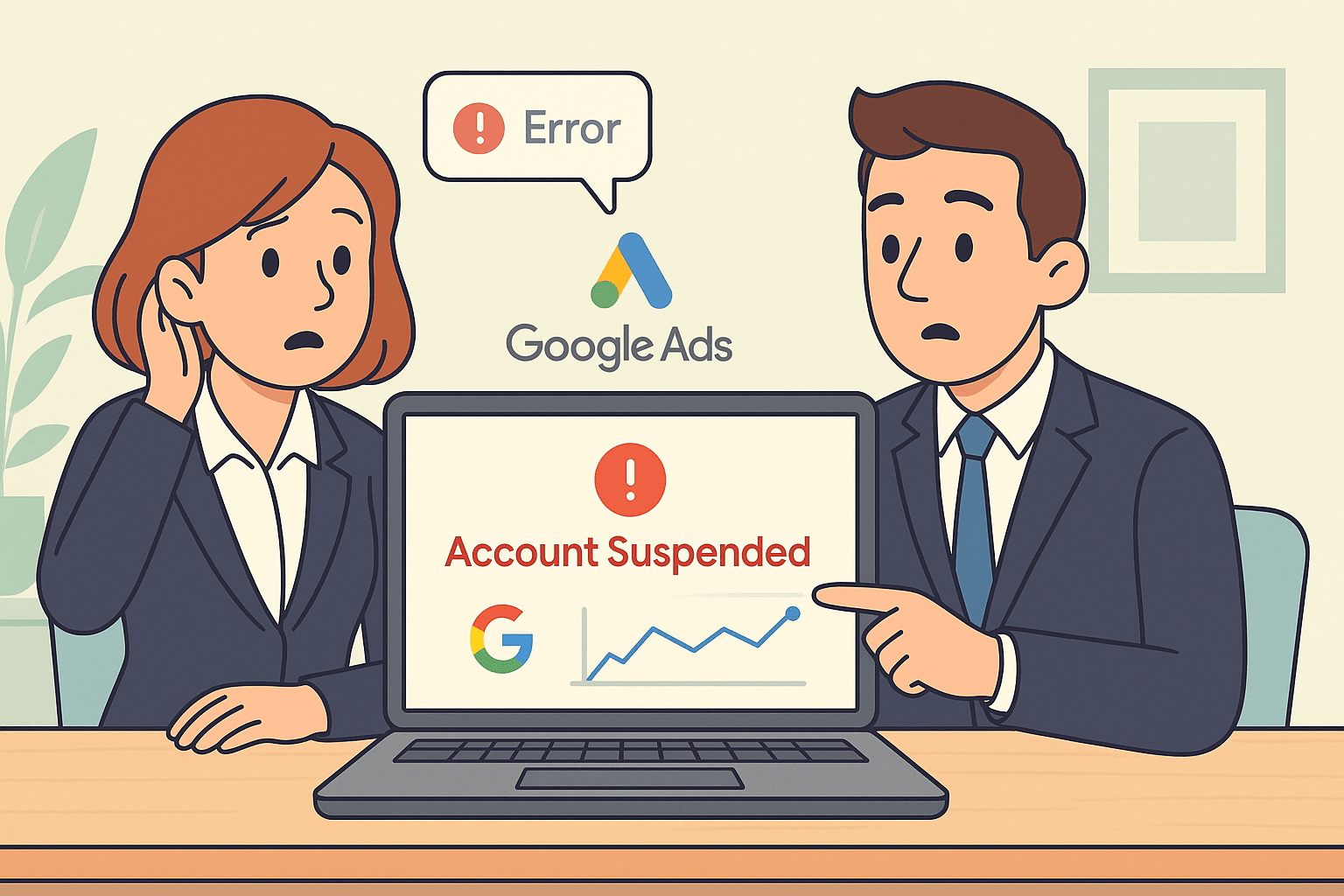
Responding to the situation, Ginny Marvin, the Google Ads Liaison, confirmed that the issue was indeed a bug. In her statement on the platform, she acknowledged, “We’ve identified a technical issue that incorrectly triggered this notification. The message is incorrect and can be ignored. Additional comms explaining will be sent. Apologies!” This clarification from a Google Ads representative helped alleviate concerns among advertisers affected by the erroneous messages.
Technical glitches and bugs in digital advertising platforms can have significant implications for advertisers, especially during crucial periods like the holiday season, where ad visibility and performance are paramount. The reassurance from Google Ads regarding the nature of the issue and the provision of additional communication to explain the situation indicate a commitment to transparency and customer support. While bugs are an inevitable part of technology, the timely identification and resolution of such issues are crucial to maintaining trust and confidence among advertisers relying on these platforms for their promotional activities.
What Happened?
A number of advertisers have reported they were sent scary messages indicating their Google Ads accounts were suspended due to policy infractions. The accounts were actually in good status, and the notices resulted from a system malfunction. The bug created automatic warnings that did not accurately represent the status of the accounts.
Google’s Response
Google admitted to the incident, explaining that it was a technical issue and not an enforcement action on their part. The firm ensured that no accounts were accidentally suspended and asked advertisers to ignore the false notifications. Advertisers were requested to review their Google Ads dashboard in order to identify the real status of their accounts, as opposed to the deceptive email or in-app notification.
Why This Matters for Advertisers
- Keeping track of account performance straight from the Google Ads interface.
- Remaining informed about official Google announcements before doing extreme changes.
- Having alternative advertising strategies in reserve to prevent dependence on one platform.
Lessons Learned
- Although the glitch has been repaired, advertisers can take a few important lessons away:
- Always Check Account Status – Don’t freak out at the appearance of a suspension notification. Sign in and verify the actual account status.
- Keep Touched to Official Channels – Google tends to make announcements on the Ads Help Center and official social media channels.
Final Thoughts
The Google Ads suspension notification bug was a brief but potent reminder of how much businesses rely on digital advertising platforms. Although no accounts were suspended, the situation highlights the importance of being on guard, communicating well, and having diversified marketing campaigns.
Fluctuations in Google Search Algorithm
Fluctuations in the Google Search Algorithm refer to the dynamic changes in the way Google’s search engine ranks and displays search results. Google employs complex algorithms to determine the relevance and ranking of web pages for a given query, and these algorithms are subject to regular updates, resulting in variations in search results. This phenomenon is often referred to as algorithmic volatility.
Google, being a search giant, continuously refines its algorithms to enhance user experience, improve the quality of search results, and combat spam and manipulation. These updates can have a profound impact on website rankings, influencing how content appears in search engine results pages (SERPs).
Algorithmic volatility can stem from various factors. Google routinely rolls out broad core algorithm updates, such as the Panda, Penguin, and BERT updates, which can significantly alter the search landscape. These updates aim to improve the understanding of user queries, prioritize high-quality content, and penalize sites engaging in manipulative practices.
Seasonal changes, user behavior shifts, and emerging trends also contribute to fluctuations in search algorithms. For instance, during major events, news stories, or trends, Google may adjust its algorithms to provide users with the most relevant and up-to-date information.
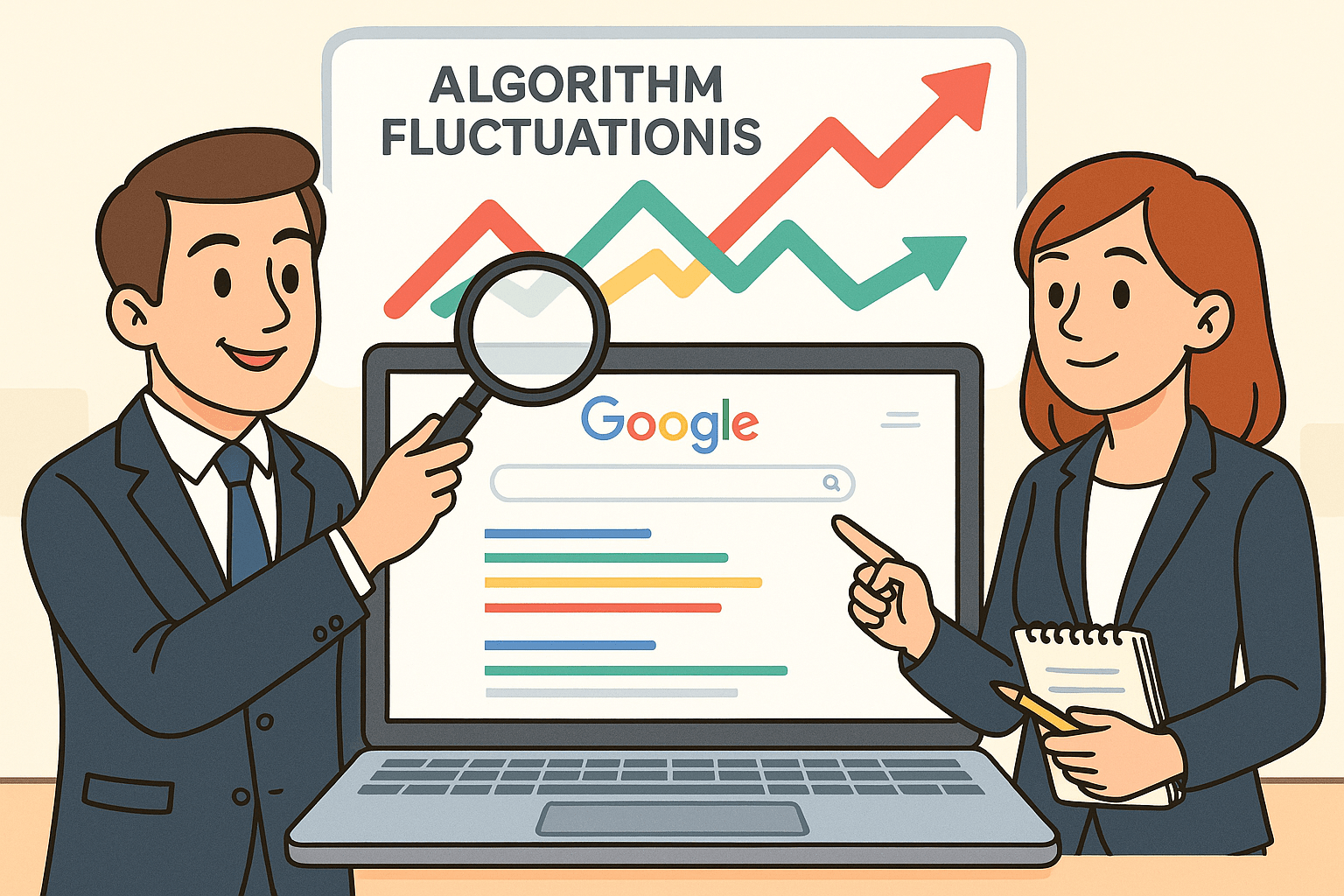
Webmasters and SEO professionals closely monitor algorithmic changes as they can impact website traffic and visibility. An understanding of these fluctuations is essential for adapting to the evolving search environment and ensuring that online content aligns with Google’s ranking criteria.
Moreover, algorithmic volatility underscores the importance of creating valuable, authoritative, and user-friendly content. Websites adhering to best practices in content creation, technical SEO, and user experience are better positioned to withstand the impact of algorithmic shifts and maintain or improve their search rankings.
Google Groups will resolve the issue by eliminating Usenet groups.
Introduction
Google officially announced it will sunset Usenet groups in Google Groups. This is the closing of a many-year chapter in internet history. One of the oldest online discussion systems (introduced in 1980), Usenet has slipped from the spotlight with the advent of contemporary forums, social networking sites, and sophisticated collaboration tools.
The action is in a bid to enhance security, minimize spam, and concentrate Google Groups on communities that continue to extensively use it.

Why Google Is Dropping Usenet Support
- Waning Usage – Usenet has remained dormant against newer platforms.
- Excessive Spam – Most groups were plagued by spam and malware links.
- Maintenance Fees – Sustaining outdated technology wastes resources.
- Security Threats – Aging protocols are difficult to protect against newer threats.
What This Means for Users
- Archived Content: Old Usenet posts will no longer be available through Google Groups.
- Active Groups: Other Google Groups that are not Usenet will remain unaffected.
- Alternatives: Discussions can be transferred to sites such as Reddit, Discord, or newer forums.
The End of an Era
For most, Usenet was the origin of online communities. It familiarized the world with threaded discussions, special interest groups, and international conversations years before Facebook or Twitter came on the scene. Although its usefulness diminished, its heritage remains a foundation point in the history of online communication.
Conclusion
Google’s move underscores the need to look toward new, secure, and thriving communities. With one door closing comes another opening—opening up a future where online collaboration keeps changing.
How SEOs can successfully collaborate with web developers

Collaboration between SEOs (Search Engine Optimizers) and web developers is crucial for creating a website that not only looks good but also performs well in search engine rankings. Here are some strategies for successful collaboration:
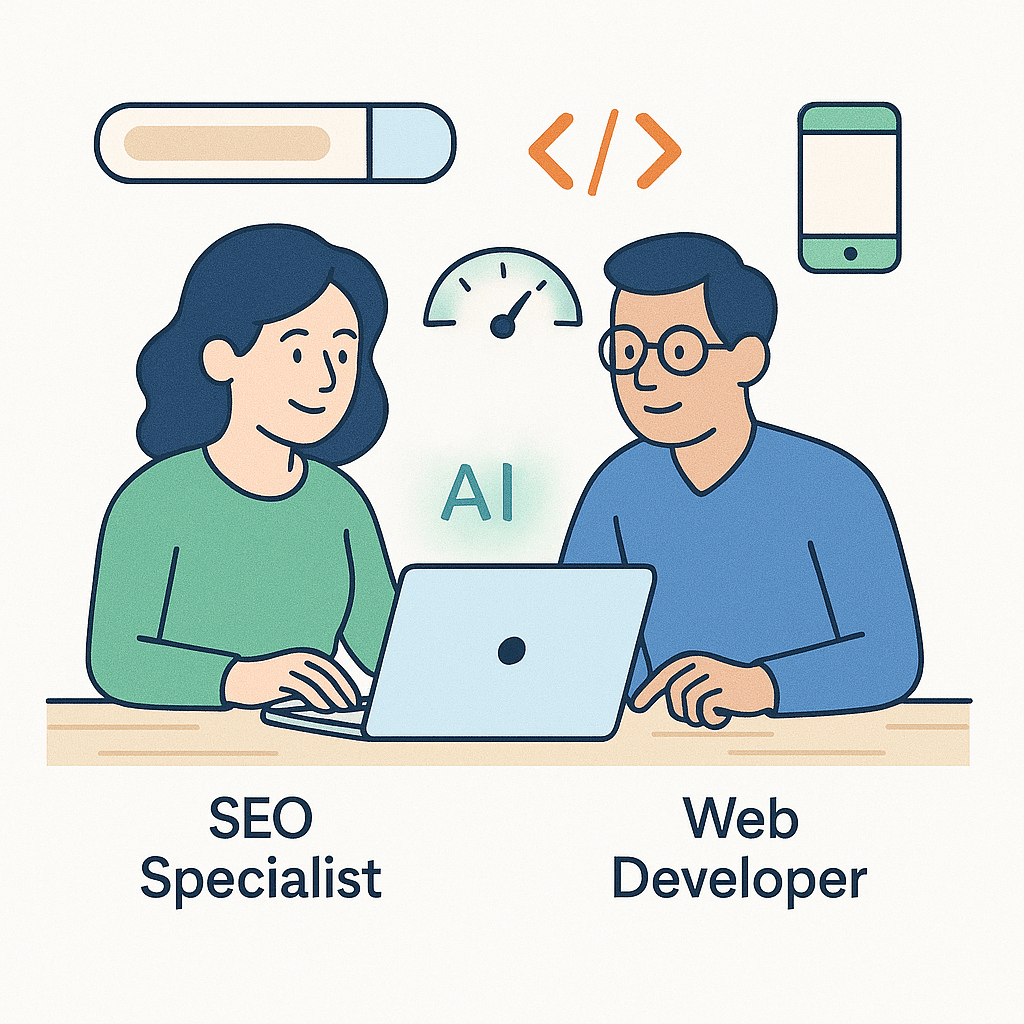
1. Open Communication Channels:
– Establish clear lines of communication between SEOs and web developers. Regular meetings, emails, and project management tools can be used to facilitate this.
2. Educate Each Other:
– SEOs should provide web developers with an understanding of SEO best practices, including keyword research, on-page optimization, and technical SEO elements.
– Web developers can educate SEOs about technical constraints and opportunities, ensuring that SEO strategies align with the website’s capabilities.
3. Involve SEO from the Beginning:
– Bring SEOs into the project from the planning phase. This ensures that SEO considerations are integrated from the outset rather than being retrofitted later.
4. Define Clear Roles and Responsibilities:
– Clearly outline who is responsible for what tasks. For instance, web developers handle technical implementations, while SEOs oversee content optimization and keyword targeting.
5. Collaborate on Site Architecture:
– Work together to design a logical site structure that is user-friendly and search engine-friendly. This includes navigation, URL structure, and internal linking.
6. Prioritize Page Speed and Performance:
– Web developers should optimize code, images, and other elements to ensure fast loading times. This is crucial for both user experience and SEO.
7. Mobile Optimization:
– Ensure the website is fully responsive and mobile-friendly. SEOs and web developers should work together to address any mobile-specific issues.
8. Implement Structured Data Markup:
– SEOs can provide guidance on implementing structured data to enhance search results, while web developers handle the technical implementation.
9. Collaborate on Content Creation and Optimization:
– SEOs should work with content creators to ensure that content is optimized for relevant keywords and provides value to users.
– Web developers can assist in creating a content management system (CMS) that is SEO-friendly and easy to use.
10. Technical SEO Audits:
– Conduct regular technical SEO audits to identify and address any issues. Web developers play a crucial role in implementing the necessary fixes.
11. Monitor Analytics and Reporting:
– SEOs and web developers should collaborate on setting up and interpreting web analytics. This helps track performance, identify areas for improvement, and measure the impact of SEO efforts.
12. Stay Updated on Industry Trends:
– Both SEOs and web developers should stay informed about the latest trends and updates in SEO and web development. This ensures that strategies remain effective in a constantly evolving landscape.
13. Test and Iterate:
– Continuously test and iterate on strategies. This includes A/B testing, monitoring rankings, and analyzing user behavior to make data-driven decisions.
14. Provide Constructive Feedback:
– Foster a culture of constructive feedback. This helps in refining processes and improving collaboration over time.
By following these strategies, SEOs and web developers can work together effectively to create websites that are optimized for search engines, user-friendly, and technically sound. This collaborative approach ultimately leads to better online visibility and user experiences.
Build trust and boost profits with programmatic ads

Building trust and boosting profits with programmatic ads requires a strategic approach that focuses on transparency, relevance, and customer-centricity. Here are some steps you can take to achieve this:

1. Transparency and Honesty:
Clearly Define Your Goals: Understand what you want to achieve with programmatic advertising, whether it’s driving website visits, generating leads, or increasing sales.
Explain Your Process: Provide clear explanations of how programmatic advertising works and how it benefits both advertisers and users.
2. Audience Segmentation:
Understand Your Audience: Use data to create detailed customer personas. This allows you to target specific segments with relevant content.
Utilize First-Party Data: Leverage data collected directly from your customers to ensure accuracy and relevance in your targeting.
3. Quality Content and Creative:
Create Compelling Ads: Design visually appealing, relevant, and engaging creatives that resonate with your target audience.
A/B Testing: Continuously test different ad formats, messages, and visuals to optimize performance.
4. Ad Placement and Context:
Choose the Right Channels: Select platforms that align with your audience’s preferences and behaviors.
Avoid Intrusiveness: Ensure ads are placed in a way that doesn’t disrupt the user experience.
5. Ad Frequency and Retargeting:
Optimize Ad Frequency: Avoid bombarding users with the same ad. Use frequency capping to maintain a balanced approach.
Implement Retargeting Strategies: Target users who have shown interest in your products or services but haven’t converted yet.
6. Ad Verification and Brand Safety:
Employ Ad Verification Tools: Ensure that your ads are being displayed on reputable websites and are not associated with harmful or low-quality content.
Monitor Ad Placements: Regularly review where your ads are being displayed to prevent any misalignment with your brand values.
7. Data Privacy and Compliance:
Adhere to Privacy Regulations: Stay compliant with data protection laws like GDPR or CCPA. Be transparent about data collection and usage.
Use Consent Mechanisms: Implement clear opt-in and opt-out mechanisms for data usage.
8. Optimize for Mobile and User Experience:
Mobile Optimization: Ensure your ads are designed for mobile devices, as a significant portion of internet traffic comes from mobile users.
Page Load Speed: Ensure that landing pages load quickly to prevent users from abandoning the page.
9. Monitor and Analyze Performance:
Track Key Metrics: Keep an eye on key performance indicators (KPIs) such as click-through rates (CTR), conversion rates, and return on ad spend (ROAS).
A/B Testing and Optimization: Use data-driven insights to refine your strategies and improve results.
10. Feedback Loop and Customer Engagement:
Listen to Customer Feedback: Actively seek and respond to customer feedback regarding your ads.
Engage with Your Audience: Use social media and other channels to interact with your audience and build a sense of community.
By implementing these strategies, you can enhance trust with your audience, deliver more relevant ads, and ultimately increase profitability through programmatic advertising. Remember, it’s an ongoing process that requires continuous monitoring and adaptation to stay effective in a dynamic digital landscape.
How to find your niche in SEO

In the dynamic world of Search Engine Optimization (SEO), finding your niche is a pivotal step towards establishing yourself as an authority in a specific area. While the SEO landscape is vast and ever-evolving, identifying and specializing in a niche allows you to focus your efforts, target a specific audience, and ultimately stand out in a crowded field. In this comprehensive guide, we’ll explore the steps and strategies to help you find and thrive in your SEO niche.
I. Understand the SEO Landscape
1. Broad vs. Specialized Knowledge:
– Recognize the difference between having a general understanding of SEO and possessing specialized knowledge in a particular niche.
2. Emerging Trends and Industries:
– Stay updated with the latest trends and emerging industries that present opportunities for niche specialization.
II. Assess Your Interests and Expertise
1. Passion and Curiosity:
– Identify areas within SEO that genuinely interest you. Your passion will drive you to delve deeper and excel in your chosen niche.
2. Previous Experience:
– Consider any prior experience or expertise you may have in specific industries or topics. This can be a valuable starting point for niche selection.
III. Conduct In-Depth Market Research
1. Keyword Analysis:
– Utilize tools like Google Keyword Planner or Ahrefs to identify keywords and search queries related to potential niches. Look for areas with high search volume and relatively low competition.
2. Competitor Analysis:
– Analyze competitors in different niches to assess their strengths, weaknesses, and market share. Identify areas where you can potentially offer unique value.
IV. Identify Pain Points and Needs
1. Addressing Specific Problems:
– Look for pain points or challenges within your chosen niche. Your expertise should aim to provide solutions and valuable insights.
2. Target Audience Understanding:
– Gain a deep understanding of the target audience associated with your chosen niche. Know their preferences, behaviors, and the content they seek.
V. Test and Validate Your Niche
1. Pilot Projects or Content:
– Create sample content or small projects within your chosen niche to gauge interest and gather feedback.
2. Monitor Engagement and Feedback:
– Pay attention to metrics, user engagement, and feedback to assess the viability and potential for growth in your chosen niche.
VI. Establish Your Authority and Brand
1. Content Creation and Promotion:
– Develop high-quality, informative content that showcases your expertise in the chosen niche. Promote it through various channels to build your brand presence.
2. Networking and Collaboration:
– Connect with influencers, experts, and communities within your niche. Collaborate on projects or engage in discussions to establish yourself as a trusted authority.
Finding your niche in SEO is a strategic process that requires a combination of market research, self-assessment, and a genuine passion for the chosen area. By understanding the SEO landscape, assessing your interests and expertise, conducting thorough research, and validating your niche, you can carve out a distinct path in the competitive world of SEO. Remember, becoming a niche expert is a journey that requires continuous learning, adaptation, and a commitment to providing value to your audience.
Google to explore alternatives to robots.txt in wake of generative AI and other emerging technologies

Google had been considering alternatives to the traditional robots.txt protocol in response to evolving technologies and challenges, including generative AI and their impact on web crawling and indexing. Here are some key points regarding this development:
1. Generative AI Challenges: Generative AI, which can create web content, poses challenges for webmasters and search engines. Traditional robots.txt rules may not effectively control access to such content because AI-generated pages may not follow the rules as expected.
2. Need for Improved Control: Webmasters and website owners require more effective ways to control access to their content and specify which parts of their websites should be crawled or indexed.
3. Ongoing Discussions: Google has been actively engaging with the web community, including webmasters and developers, to explore potential alternatives to robots.txt. They have sought input on new standards that can address the challenges posed by emerging technologies.
4. Transparency and Consistency: Any alternative to robots.txt should prioritize transparency, allowing webmasters to communicate their preferences to search engines while also ensuring consistency and clarity in how rules are interpreted and implemented.
5. W3C Involvement: Google’s discussions on alternatives to robots.txt have involved collaboration with the World Wide Web Consortium (W3C), a global community that develops web standards. This collaboration aims to establish industry-wide solutions.
6. Stay Informed: Given the evolving nature of technology and web standards, it’s essential for webmasters, SEO professionals, and website owners to stay informed about updates and changes related to robots.txt and alternative mechanisms for controlling access to web content.
Please note that developments related to robots.txt and alternatives may have occurred since my last update in September 2021. To get the most current information on this topic, I recommend checking Google’s official announcements and webmaster resources, as well as monitoring industry discussions and updates from organizations like the W3C.
JavaScript Indexing Delays Are Still an Issue for Google

In the dynamic landscape of web development, JavaScript plays a crucial role in creating interactive and feature-rich websites. However, its usage has posed challenges for search engines like Google when it comes to indexing and ranking web pages. JavaScript indexing delays have been a persistent concern for website owners and SEO professionals. This essay delves into the complexities of JavaScript indexing, highlights the underlying issues causing delays, and examines Google’s continuous efforts to overcome these challenges.
The Role of JavaScript in Web Development
JavaScript is a versatile programming language that enables developers to build interactive elements, dynamic content, and modern user interfaces on websites. Its capabilities have transformed the web from static pages to dynamic, application-like experiences. Modern web applications often rely heavily on JavaScript frameworks and libraries, allowing content to be generated, modified, and presented dynamically based on user interactions. This shift, while enhancing user experience, has introduced complexities for search engines that primarily rely on HTML for indexing.
Challenges in JavaScript Indexing
Search engines traditionally rely on crawling HTML content to understand the structure and relevance of web pages. However, JavaScript-generated content poses challenges due to its asynchronous execution and client-side rendering. Some of the key challenges include:
1. Delayed Rendering: JavaScript-generated content often requires the browser to execute scripts to render the final content. This can lead to indexing delays as search engine crawlers need to wait for the rendering process to complete before capturing the content.
2. Single Page Applications (SPAs): SPAs are built entirely using JavaScript frameworks, dynamically loading content as users navigate the site. This can cause indexing delays as search engines may struggle to crawl and index individual sections of the page.
3. Dynamic Data Fetching: JavaScript is commonly used to fetch data from APIs and databases. This dynamic data may not be readily available during the initial crawl, leading to incomplete or outdated indexing.
4. Resource-Intensive Frameworks: Some JavaScript frameworks and libraries are resource-intensive and can slow down rendering, affecting indexing speed.
Google’s Journey to JavaScript Indexing
Google, being the dominant search engine, recognized the importance of accurately indexing JavaScript-powered websites. The journey to address JavaScript indexing challenges can be summarized in three phases:
1. Limited Understanding (Early Days): In the early stages, Google’s ability to understand JavaScript-generated content was limited. JavaScript-driven content was often ignored or inadequately indexed, resulting in poor search visibility for websites.
2. Introduction of Rendering (Mid-2010s): Realizing the significance of JavaScript, Google introduced rendering, where Googlebot would execute JavaScript to view the final content as users do. This marked a significant improvement in indexing JavaScript-generated content, reducing delays.
3. Continuous Improvements (Present): Google has continued to refine its rendering capabilities and algorithms to better handle JavaScript content. This includes improved understanding of asynchronous content loading, handling SPAs, and optimizing indexing efficiency.
Ongoing Challenges and Solutions
Despite Google’s advancements in JavaScript indexing, challenges persist. Several factors contribute to ongoing delays:
1. Crawl Budget: Google allocates a limited time for crawling each website. JavaScript-intensive websites may have their content partially indexed due to time constraints.
2. Dynamic Data: Content fetched via JavaScript from external sources might not be available during initial indexing. Google has recommended using server-side rendering (SSR) to address this issue.
3. Mobile-First Indexing: Google has shifted to mobile-first indexing, prioritizing the mobile version of websites. This introduces additional challenges for indexing JavaScript content on mobile devices.
Best Practices for JavaScript SEO
Website owners and developers can adopt best practices to mitigate JavaScript indexing delays and ensure optimal SEO performance:
1. Use Progressive Enhancement: Implement core content using standard HTML to ensure that essential information is accessible even without JavaScript.
2. Server-Side Rendering (SSR): Consider using SSR techniques to pre-render content on the server, ensuring search engines can access the complete content during indexing.
3. Canonical URLs: Ensure that canonical URLs are correctly specified for JavaScript-generated content to prevent duplicate content issues.
4. Structured Data Markup: Implement structured data using JSON-LD or other formats to enhance search engines’ understanding of the content.
5. Optimize Performance: Minimize resource-intensive JavaScript libraries and optimize performance to facilitate faster rendering during indexing.
JavaScript indexing delays remain a challenge for Google and other search engines due to the dynamic and asynchronous nature of JavaScript-powered content. However, Google’s persistent efforts to improve rendering capabilities have significantly mitigated these challenges. Website owners and developers play a crucial role in optimizing their websites for search engines by following best practices that ensure timely and accurate indexing of JavaScript-generated content. As the web continues to evolve, collaboration between search engines and web developers will be vital to maintaining a balance between dynamic user experiences and effective SEO practices.
Google Ads Photo Guidelines Now Faster Reviews & More Creative

Google Local Service Ads play a vital role in connecting businesses with local customers. Recent updates to the platform’s photo guidelines have brought about improvements that impact reviews, creativity, and overall efficiency. This essay aims to explore these updates and their implications for businesses, customers, and the local service ecosystem.
Google Local Service Ads: A Brief Overview
1. Connecting Local Businesses: Google Local Service Ads enable local businesses to reach potential customers through targeted ads displayed in search results.
2. Service Verification: Google verifies businesses to ensure they provide high-quality services and meet customer expectations.
Recent Photo Guideline Updates
1. Enhancing Visual Content: The updates aim to improve the visual representation of businesses’ services, fostering better communication with potential customers.
2. Faster Reviews: These updates also expedite the review process by encouraging businesses to upload relevant photos that showcase their services.
Implications for Businesses
1. Improved Credibility: High-quality photos increase the credibility of businesses, allowing customers to visualize the offered services and facilities.
2. Customer Engagement: Engaging photos provide potential customers with a glimpse of what to expect, enticing them to choose a particular business.
3. Enhanced Conversion: Eye-catching visuals can lead to higher click-through rates, driving more conversions for businesses.
Benefits for Customers
1. Informed Decisions: High-quality images help customers make informed decisions about the services they are seeking.
2. Visual Transparency: Visual representations of businesses’ offerings promote transparency and help customers avoid surprises.
3. Streamlined Selection: With a clearer understanding of services, customers can quickly narrow down their choices.
Promoting Creativity and Uniqueness
1. Showcasing Uniqueness: Businesses can use images to highlight their unique selling points and stand out from the competition.
2. Enhancing Brand Identity: Creative visuals contribute to building a strong brand identity, which resonates with customers.
Accelerated Review Process
1. Quick Visual Feedback: With relevant photos, customers can quickly assess a business’s suitability, expediting the decision-making process.
2. Review Authenticity: Authentic photos enhance the reliability of reviews, as customers can visualize the experiences of others.
Best Practices for Businesses
1. High-Quality Images: Clear and high-resolution photos offer the best representation of services.
2. Variety: Businesses should include a variety of images that capture different aspects of their services.
3. Relevance: Photos should accurately depict the business’s offerings and facilities.
The recent updates to Google Local Service Ads’ photo guidelines mark a significant step forward in enhancing the user experience for both businesses and customers. These updates not only improve the efficiency of the review process but also allow businesses to showcase their offerings more creatively and authentically. Through the power of visuals, local businesses can engage customers, build trust, and drive conversions. As the digital landscape continues to evolve, these updates stand as a testament to Google’s commitment to fostering meaningful connections between local businesses and their customers.
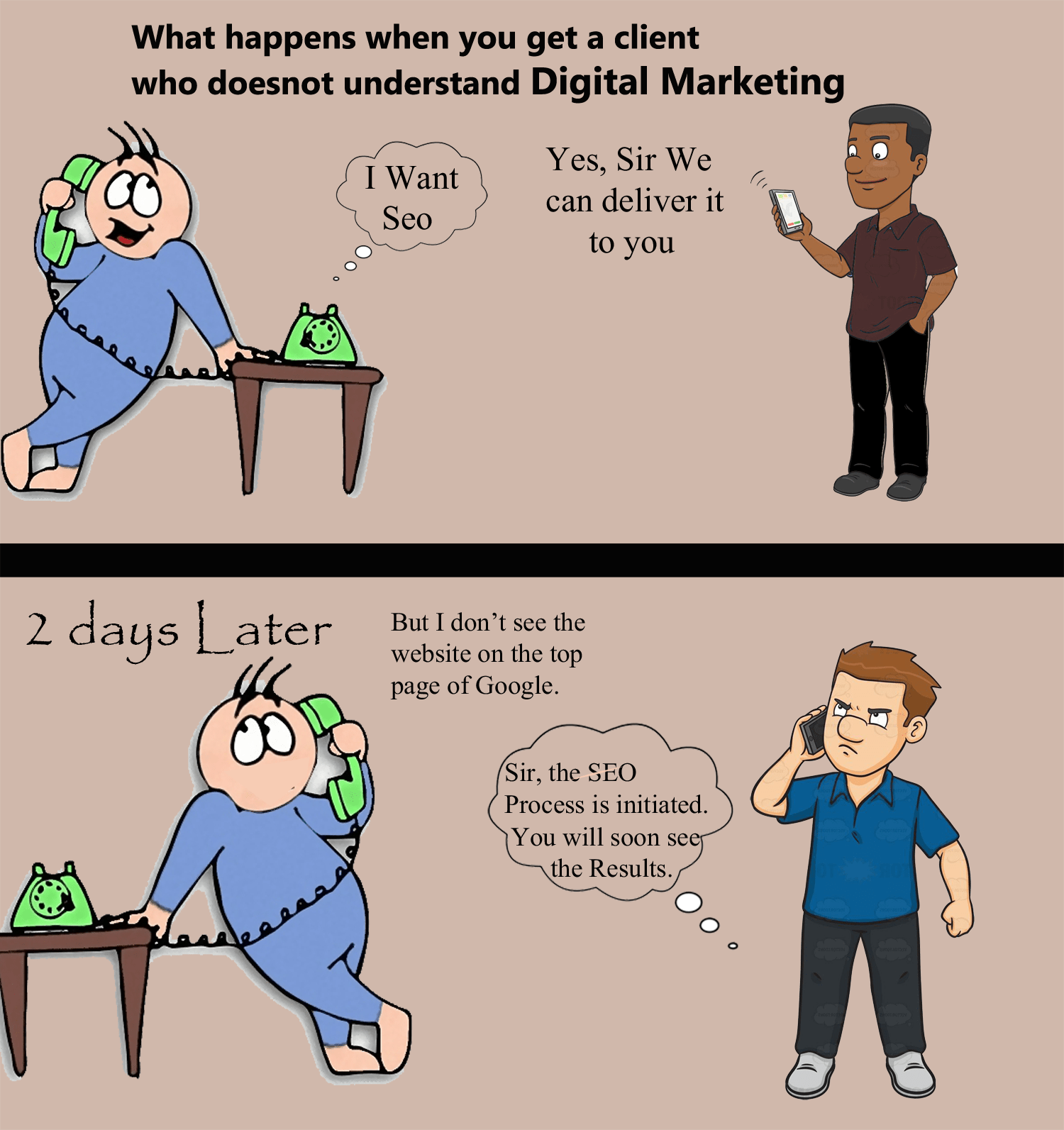
SEO Funny Cartoon Comics -latest trends of 2016
Search Engine Optimization (SEO) is arguably the most cost-effective digital marketing technique, but also the most challenging to get right.
Digital Marketing
The First very Organic Result on the First Search Engine Result Page sees about 32.5%of Overall Search Traffic in terms of clicks. The Second domain sees 17.6% while the 7th only sees 3.5%
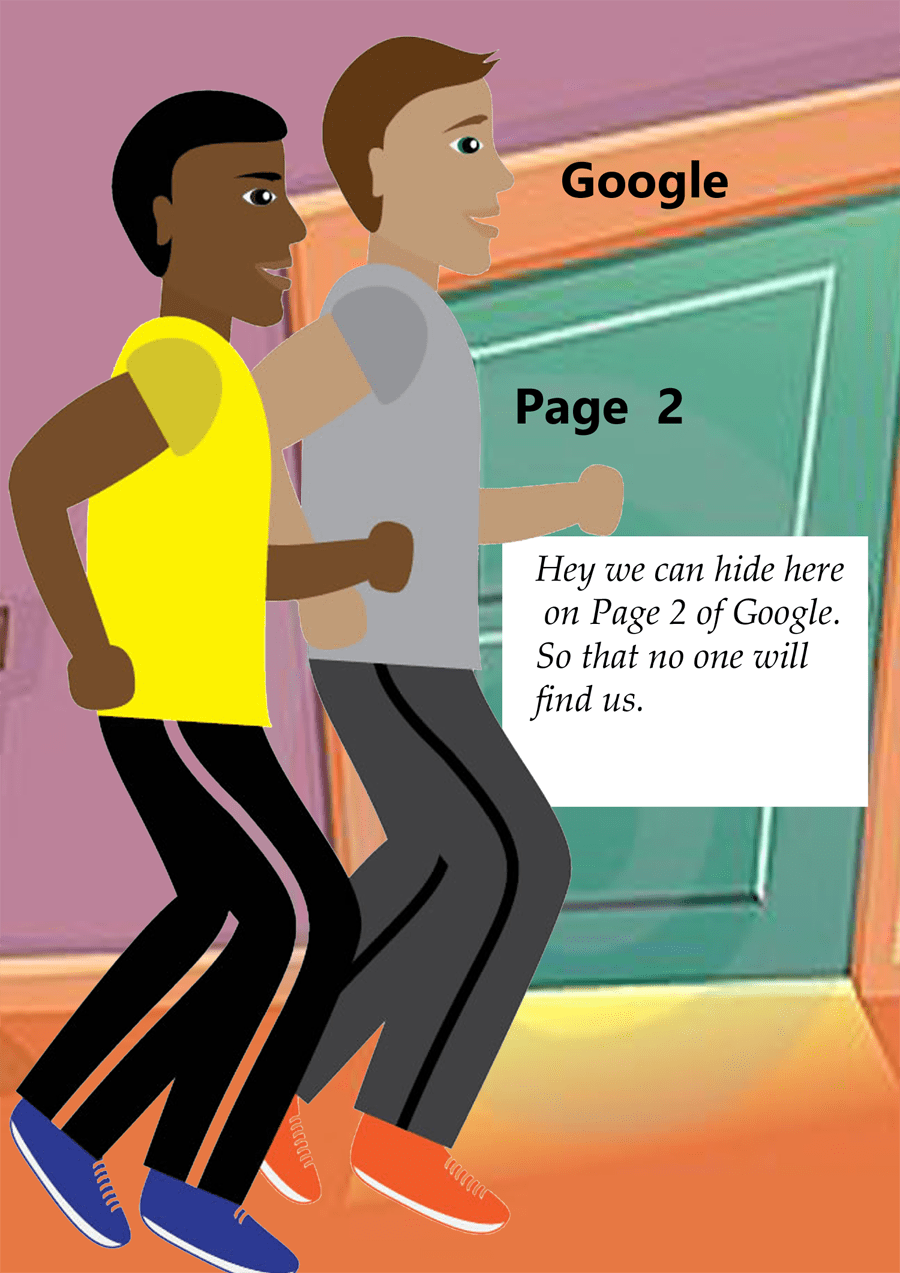
Google-page2
Google PageRank (Google PR) is one of the methods Google uses to determine a page’s relevance or importance. Important pages receive a higher PageRank and are more likely to appear at the top of the search results. Google PageRank (PR) is a measure from 0 – 10. Google Page rank is based on back links
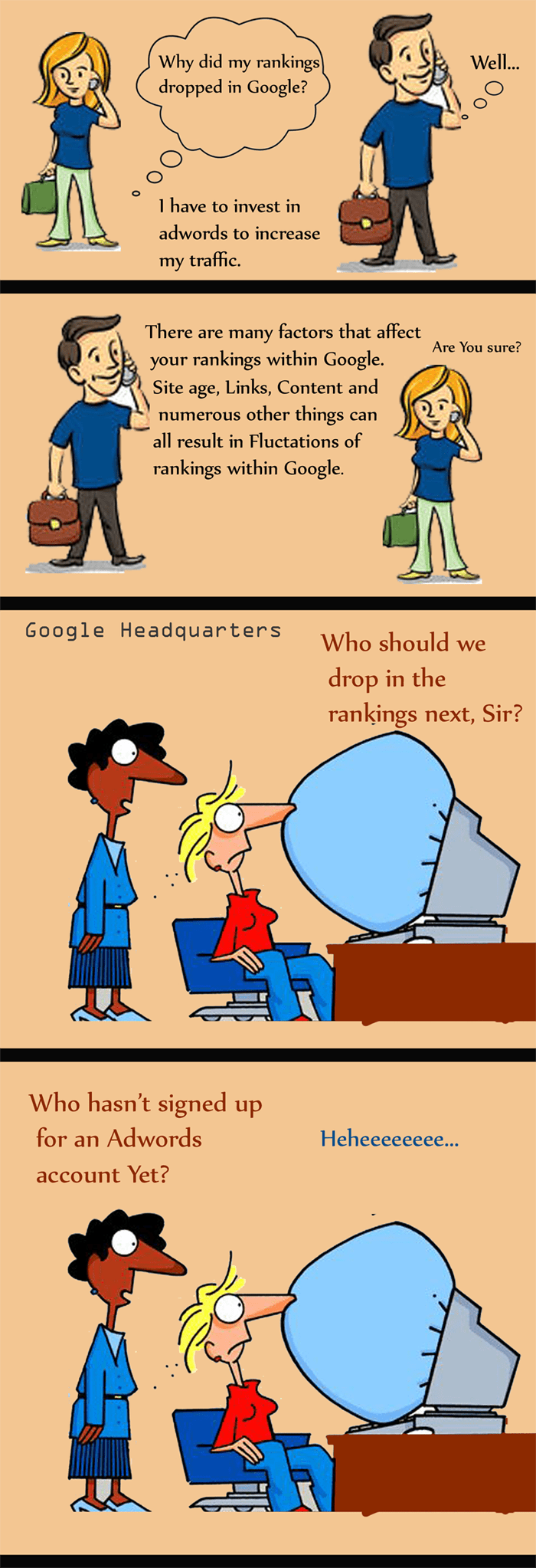
Google Rankings
Web Search Engines and some other sites use Web crawling or spidering software to update their Web Content or indices of others sites’ web content. Web crawlers can copy all the pages they visit for later processing by a search engine which indexes the downloaded pages so the users can search much more efficiently.

Search engine
A website is a collection of related webpages, including multimedia content, typically identified with a common domain name and published on at least one webserver.

Websites
A keyword, in the context of search engine optimization, is a particular word or phrase that describes the contents of a Web page.
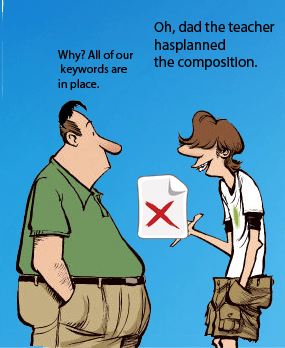
Seo-Keyword
Google is used for search of information about (someone or something) on the Internet using the search engine Google.

Blogroll
Categories
- 2016 SEO trends predictions
- AI for eCommerce
- AI Search & SEO
- author rank
- Authority Trust
- Bing search engine
- blogger
- CDN & Caching.
- Content Strategy
- Core Web Vitals
- eCommerce Growth
- Experience SEO
- Fake popularity
- gbp-optimization
- Google Adsense
- Google Business Profile Optimization
- google fault
- google impact
- google Investigation
- google knowledge
- Google panda
- Google penguin
- Google Plus
- Google Search Console
- Google Search Updates
- Google webmaster tools
- google-business-profile
- google-maps-ranking
- Hummingbird algorithm
- infographics
- link building
- Local SEO
- local-seo
- Mattcutts Video Transcript
- Microsoft
- Mobile Performance Optimization
- Mobile SEO
- MSN Live Search
- Negative SEO
- On-Page SEO
- Page Speed Optimization
- pagerank
- Paid links
- Panda and penguin timeline
- Panda Update
- Panda Update #22
- Panda Update 25
- Panda update releases 2012
- Penguin Update
- Performance Optimization
- Sandbox Tool
- search engines
- SEO
- SEO Audits
- SEO Audits & Monitoring
- SEO cartoons comics
- seo predictions
- SEO Recovery & Fixes
- SEO Reporting & Analytics
- seo techniques
- SEO Tips & Strategies
- SEO tools
- SEO Trends 2013
- seo updates
- Server Optimization
- Shopify Optimization
- Shopify SEO
- Shopify Services
- Small Business Marketing
- social bookmarking
- Social Media
- SOPA Act
- Spam
- Technical SEO
- Uncategorized
- User Experience (UX)
- Webmaster News
- website
- Website Security
- Website Speed Optimization
- Yahoo